
How to Use the WordPress Posts List Block in the Gutenberg Editor
Posts are individual pieces of time-based content in WordPress. Based on your website type, web posts could be news, articles, tutorials, chronicles, updates, product reviews, etc., that the website owner/author may want to publish regularly. Using the Posts List block, you can arrange, categorize, and display the published posts on your site in various ways. […]
How to Use the Gutenberg Avatar Block in WordPress
By incorporating avatars, website owners can make it easier for visitors to identify and connect with authors. Avatars provide a visual representation of the person behind the content, helping to establish a sense of familiarity and trust. It helps you build authority on your content so visitors and users can have trust in your writing. […]
How to Create a New User in WordPress (Step-by-Step Guide)

Having multiple users on a website often becomes mandatory when you need collaborative content management. WordPress allows you to create and add unlimited users, defining their roles as you want. Whether you want to grant access to a team member or a guest blogger, you simply have to create a new account. In this article, […]
How to Use the Gutenberg Author Name Block in WordPress
The Gutenberg Author Name is a simple block in WordPress that isn’t seen to be used much. Because most people prefer the Author block to this one as it doesn’t offer many options. I will cover this block and how to use it because you may find it useful in some ways in the future. […]
How to Use the WordPress Query Loop Block in the Gutenberg Editor
The Query Loop is a dynamic WordPress block that allows you to fetch and display specific content from your WordPress database. Gone are the days of writing complex queries or relying on third-party plugins to fetch your desired content and showcase them on the frontend. With the block now, you can execute the task very […]
How to Add and Use the Gutenberg Date Block in WordPress

Are you looking for a way to display the post and page publishing day on that respective post and page via the Gutenberg editor? You can also do it by typing it manually if you want. However, WordPress also has its own date block. You can easily add it to the editor to display the […]
How to Add and Use the WordPress Next Post Block in Gutenberg

After opening any image file on a mobile or desktop device, you can explore the previous and next image files serially by using the Next and Previous options. By using the WordPress next post block, you can serially explore all the next posts after entering any specific post. That’s why you no longer have to […]
How to Use the Gutenberg Tags Block in WordPress
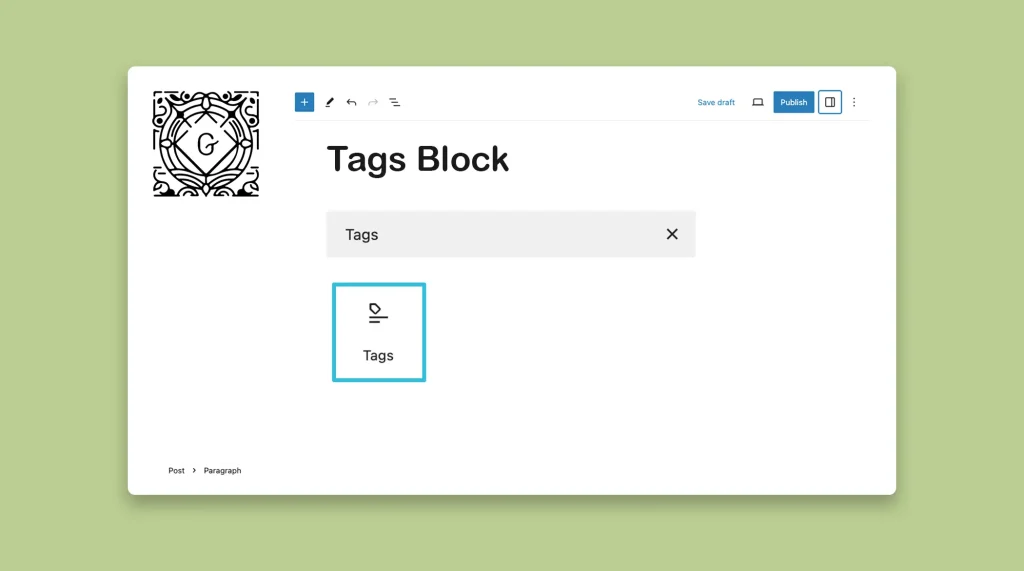
Tags are a type of taxonomy in WordPress by which you can categorize and organize blog posts. This one is a default Gutenberg block, and the process of using it is very similar to the Gutenberg Categories block. WordPress provides the Gutenberg Tags block. It allows you to display the tags assigned to a blog […]
How to Use the WordPress Modified Date Block on Gutenberg

As a content marketer, you may need to update your blog posts, articles, and tutorials frequently. Whenever there is a new update or software release, it is essential to modify the blog post to familiarize the users with the new features or bulletins. But if it is seen that the publishing date of your blog […]
How to Use the WordPress Read More Block

The WordPress Read More block is one of the simplest blocks in the default block library of the WordPress eco-system. It allows you to add additional information under the main description. As this is a simple block, understanding how to use the WordPress, Read More block will take you only a few minutes. Let’s see […]