
How to Use the Gutenberg Wolfram Block in WordPress

The Wolfram Cloud is a powerful platform that integrates computation, knowledge, and deployment capabilities. It is built upon the extensive knowledge base and computational methods developed by Wolfram. It provides users with access to the Wolfram Language, which is a revolutionary knowledge-based programming language that emphasizes symbolic computation, functional programming, and rule-based programming. Today, you […]
How to Add and Use the WordPress Next and Previous Post Blocks
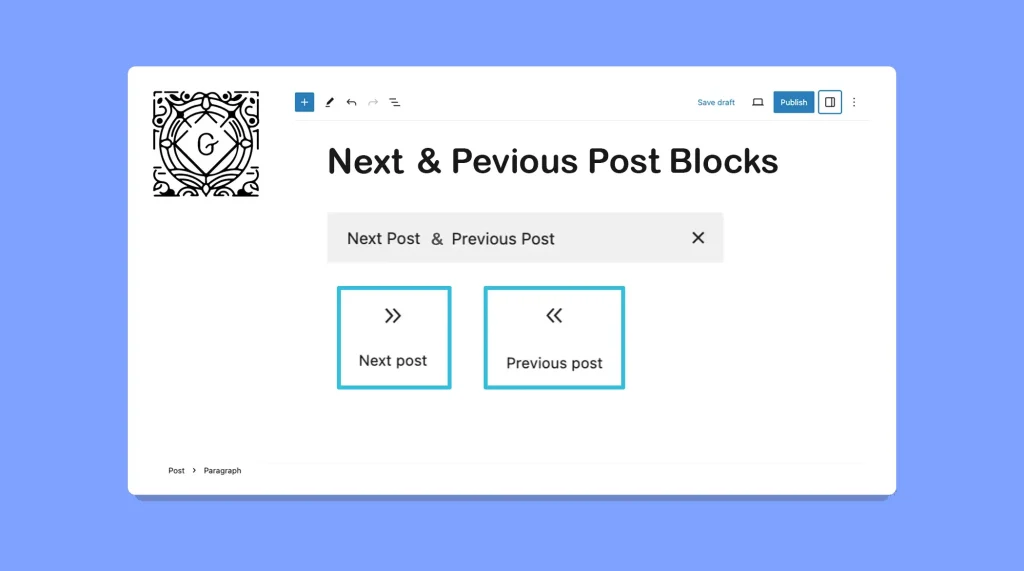
The Next and Previous Post blocks in WordPress can provide a seamless way for your visitors to navigate through your content. This can make it easier for them to explore the following and previous articles to continue their reading journey. I have already covered two separate posts on how to use the WordPress Next Post […]
How to Add and Use the WordPress Previous Post Block in Gutenberg

The WordPress Previous Post block in Gutenberg is a powerful tool that enhances the navigation experience for readers on your WordPress website. By incorporating this block into your posts or pages, you can provide a seamless way for users to explore previous posts in a specific order. In this blog post, I will show you […]
How to Add the Gutenberg Comments Block in WordPress

The Gutenberg Comments Block allows you to display all the comments on the frontend of your respective posts and pages submitted by readers and users. The Comment Block is mostly used in designing the blog page template, so the block automatically appears on all blog posts. Once you add the block to your blog page […]
How to Use the Gutenberg Term Description Block in WordPress

The Gutenberg Term Description is a good-for-nothing WordPress block. Honestly speaking! It doesn’t add any value to your site. The block comes with only two words ‘Term Description‘ that you cannot edit anyway. You can add these two words to your site using the normal paragraph block If you want. So, I really wonder what […]
How to Use the WordPress Login/Out Block

The WordPress Login/Out Block is a block that allows you to display the login and logout links directly anywhere on your WordPress site. It provides a convenient way for users to log in or log out directly from the pages or posts of your site. In this short article, I will show you how to […]
How to Use the Gutenberg Comment Form in WordPress

The Gutenberg Comment Form block allows users to submit their views and feedback to respective posts and pages. This is actually a must-have block in blog post templates. The Comment Form is one of the easiest blocks in WordPress. In this article, I will show you how to use the Gutenberg Comment Form in WordPress […]
How to Use the WordPress Accordion Block to Create Collapsible Content

The WordPress Accordion Block allows you to organize and display content in a collapsible format. This block is particularly useful for presenting information in a compact and user-friendly manner, where users can click on a section to expand and view the details. By default, the Accordion Block shows only the headings. As a result, users […]
How to Use the WordPress YouTube Block
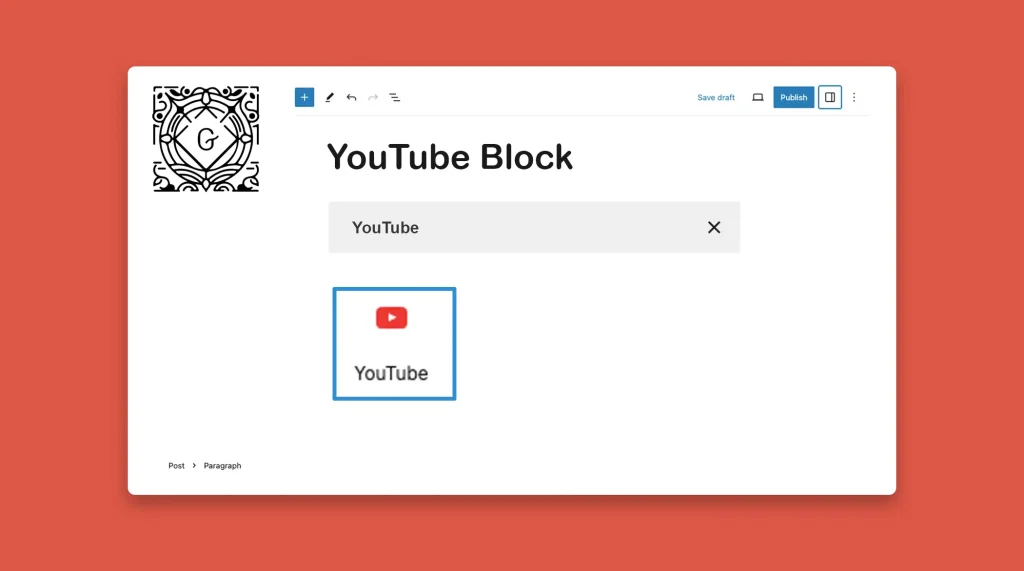
The WordPress YouTube block is a free Gutenberg block by which you can embed videos from the YouTube streaming platform into your blog posts and pages. The block is available in both the Gutenberg and Classic editor. In this short article, I will show you how to use the WordPress YouTube Block. Step 01: Find […]
How to Use the WordPress Twitter Block
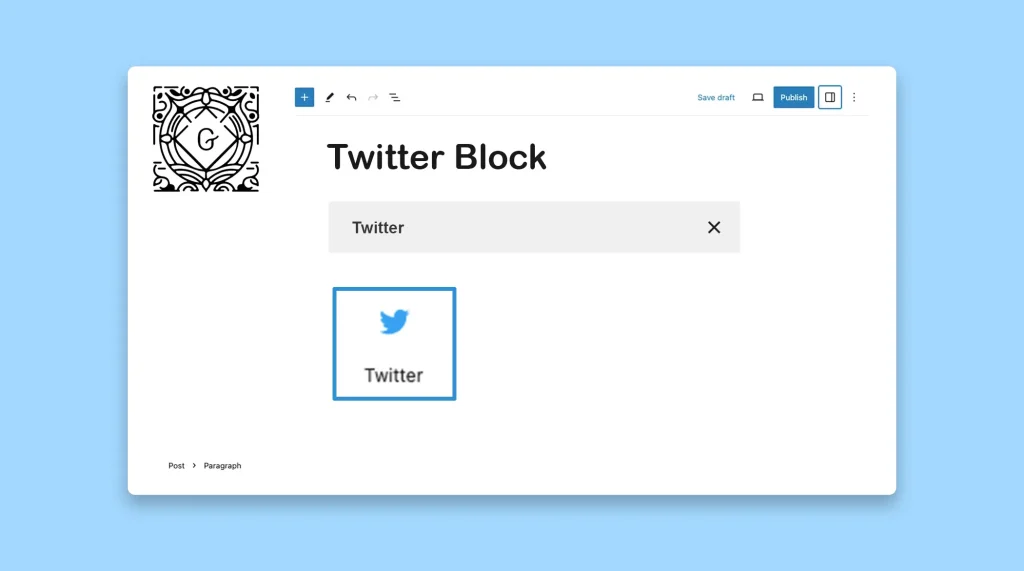
The WordPress Twitter block is a default WordPress block that allows users to embed content from Twitter into their WordPress posts and pages. By using the Twitter block, users can display individual tweets on their site, including the text, images, and links from the tweet. In this tutorial post, I will show you how to […]