
How to Add Coupon Code in WordPress Gutenberg
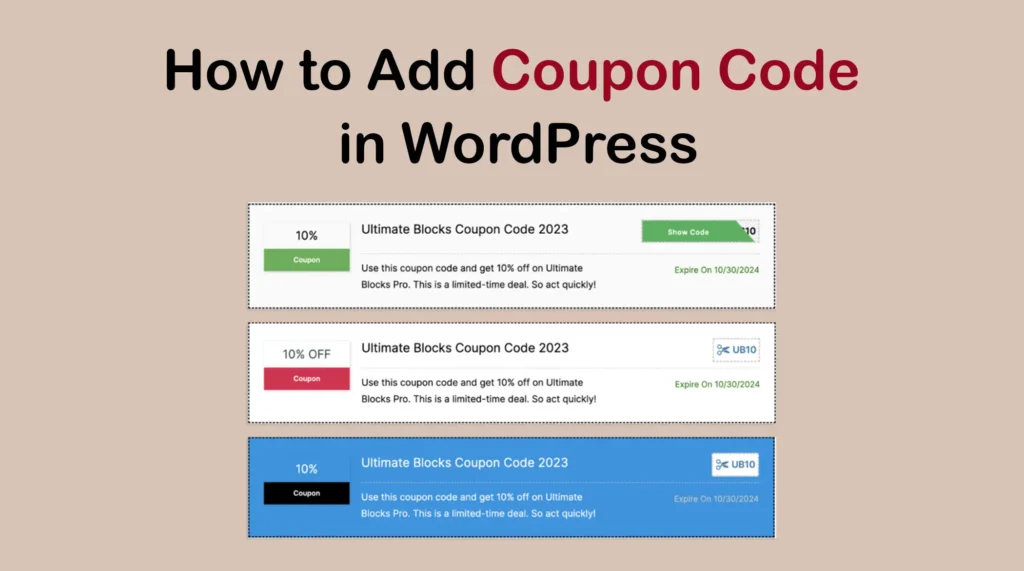
A coupon code is a series of letters or numbers that customers use at the checkout page to receive a discount when buying a product. It serves as a powerful way to shoot up sales and conversions in the online space. Coupon codes can serve various purposes. For example, it can help you have new […]
How to Create a Banner with Buttons in Gutenberg WordPress
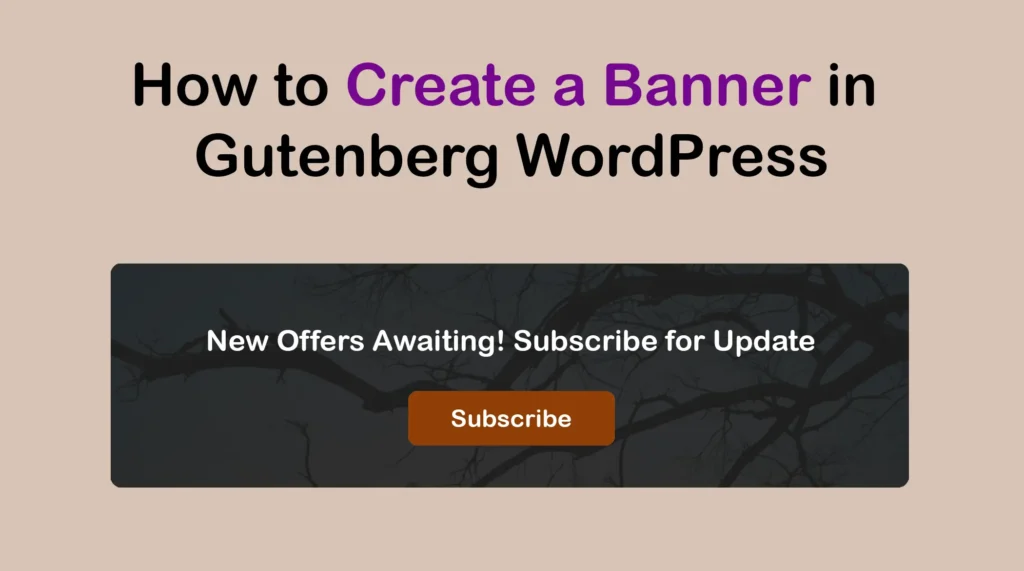
Banners are a proven visual element that grabs visitors’ attention instantly. They are usually placed at the top of any web post/page, showcasing striking visuals, compelling text, and clear call-to-actions (CTA). However, you can place banners even in the middle part of the web posts and pages if you feel this can add value. It […]
How to Create Text Animation in WordPress Gutenberg
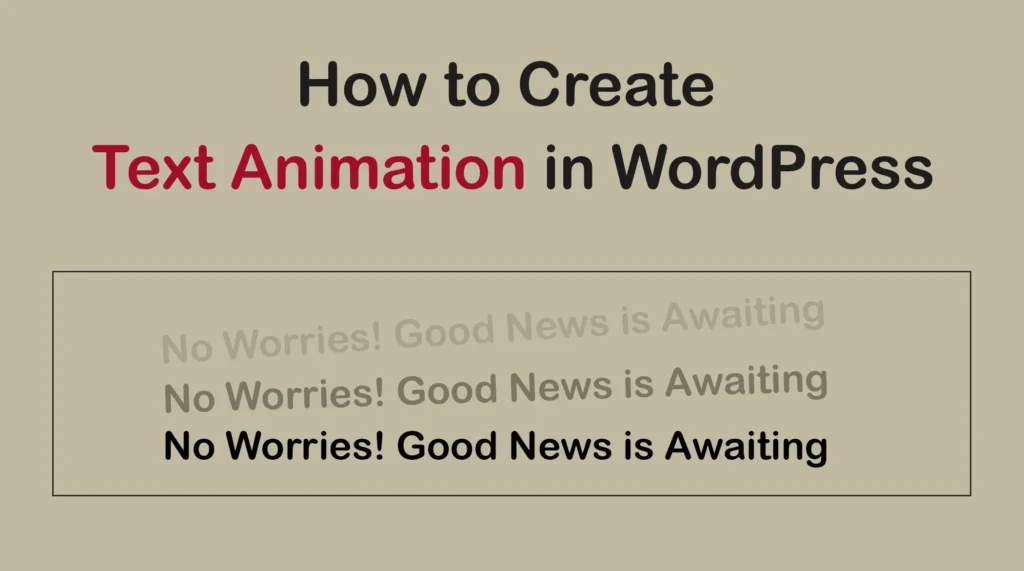
Text animation is a lively design feature that brings life to your textual content by adding movement and interactivity. It has the power to capture visitors’ attention instantly whenever they land on your blog post or page. Animated text is highly useful in creating engaging headlines, emphasizing key messages, and guiding users through content. By […]
How to Add and Use the Advanced Text Block in WordPress
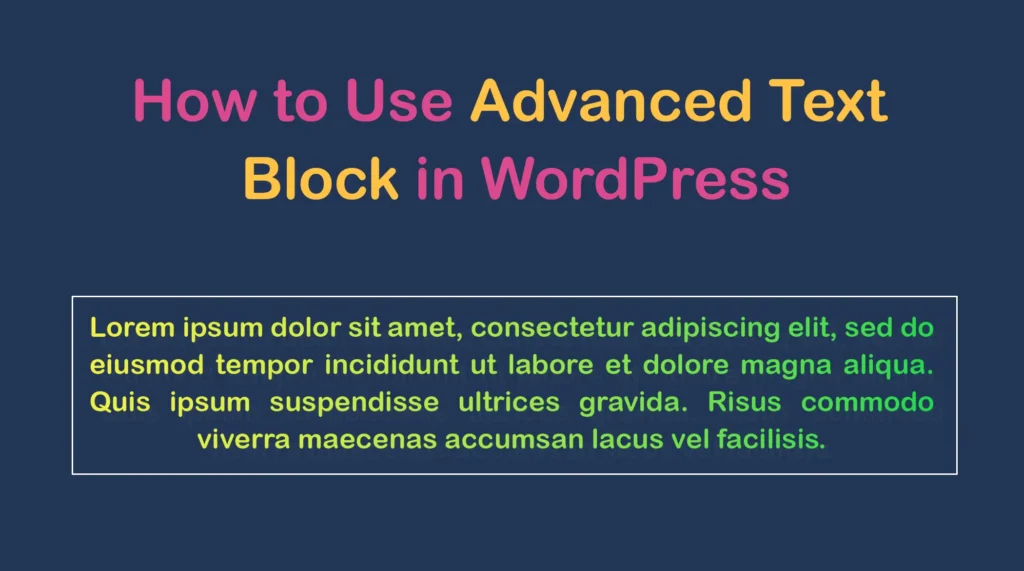
The Advanced Text block allows you to customize paragraphs and texts with specialized designs. It includes various features like text effects, gradient color, highlights, and detailed typography settings. The block also allows you to hide the text on any device type (desktop, tablet, or mobile). The Advanced Text block is ideal for presenting crucial information […]
How to Add Advanced Heading Block to WordPress
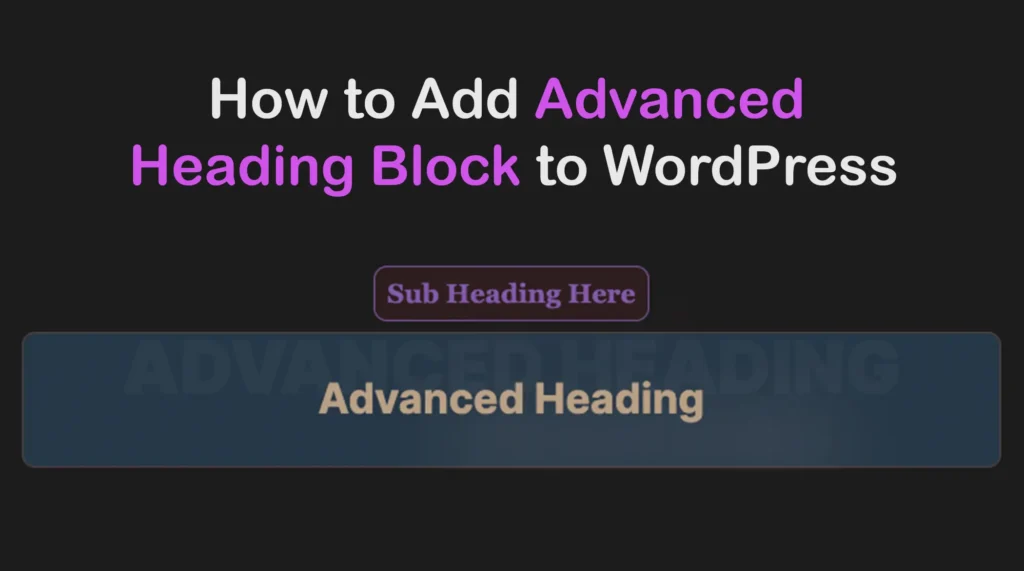
The Advanced Heading is a customizable Gutenberg block by which you can create visually appealing headings for your WordPress websites. It offers various options like title links, subheadings, transparent headings, and extensive stylization options for different design requirements. It allows you to adjust typography, colors, alignments, and more. This block is particularly useful for blog […]
How to Use the WordPress RSS Block and Where to Utilize It (Tutorial)
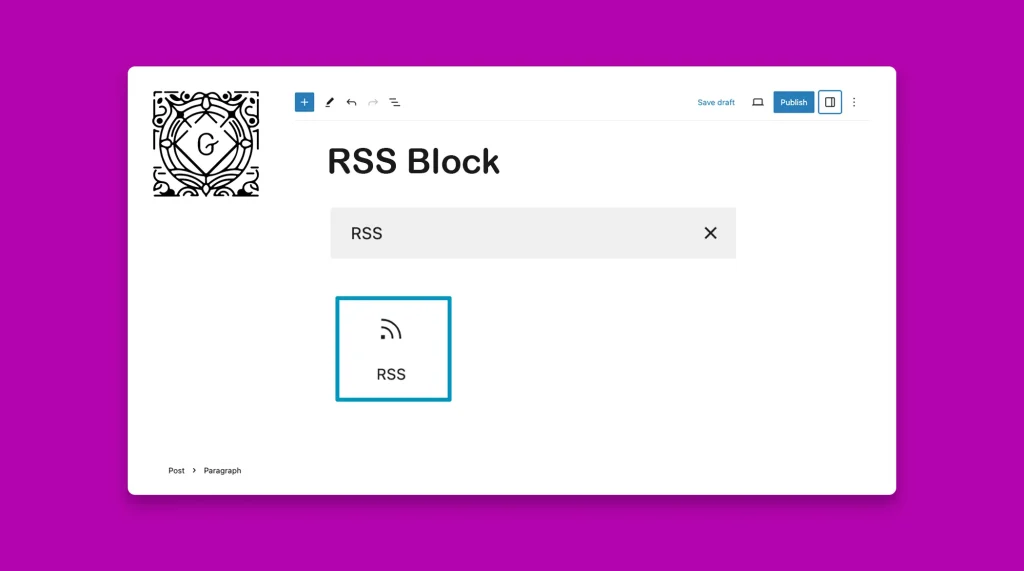
The WordPress RSS block allows you to display the content from an RSS feed on your website. To clarify this point, you must have an idea about Feed and RSS. Explore their definitions below: Feed: It refers to a source of content where content is constantly published on new topics that users can easily explore. […]
What is Gutenberg Block Editor? Things You Can Do With It
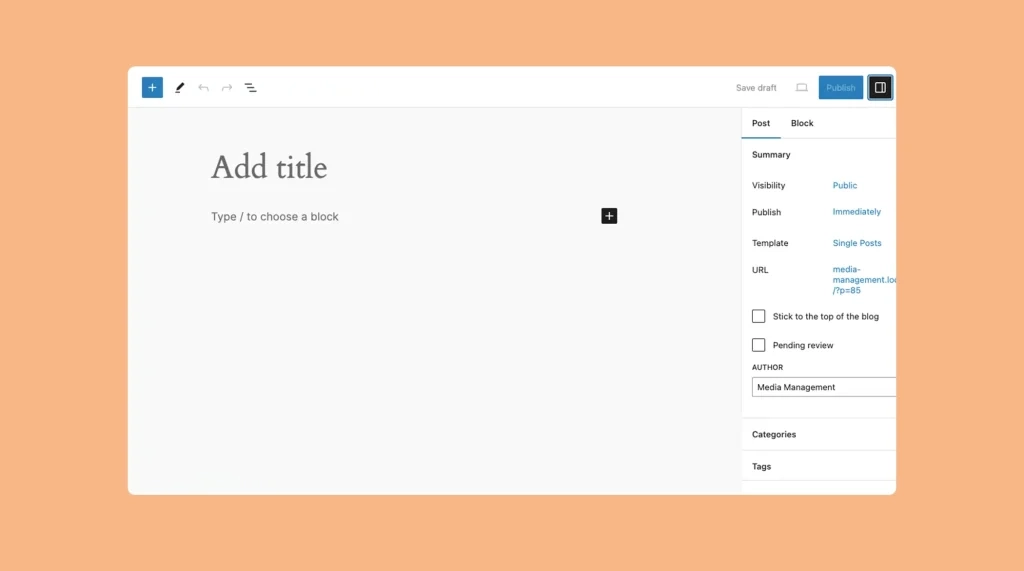
WordPress introduced the Gutenberg block editor in its version 5.0 as an alternative to the classic editor. Although not many people liked it initially, the WordPress block editor became significantly popular among users over time. In this article, I will talk about the Gutenberg block editor in detail, what it is, and things you can […]
Get Introduced to All the Default Gutenberg Blocks in WordPress
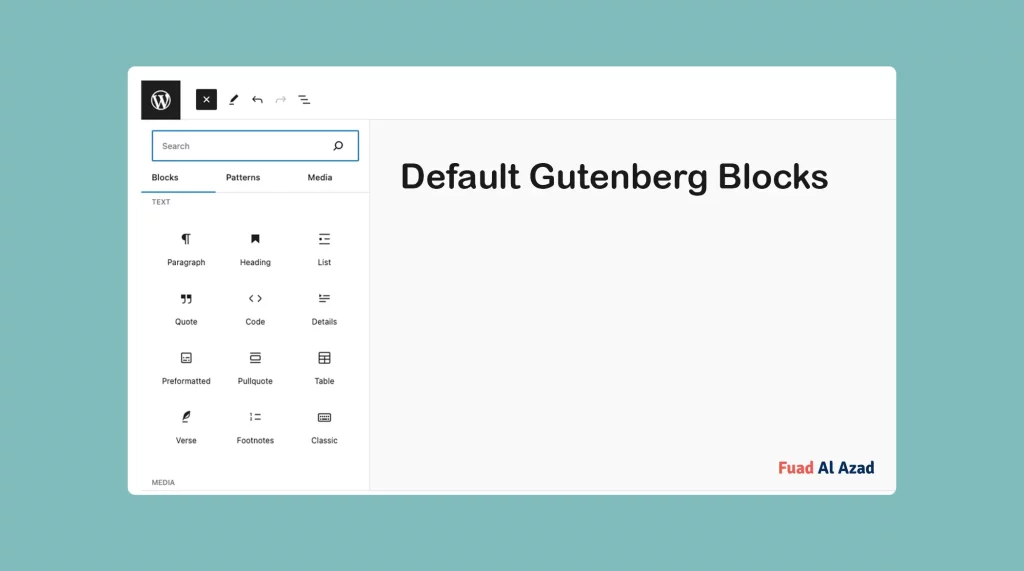
Gutenberg blocks are readymade, well-framed, or pre-designed content elements that help you add and arrange various types of content on your WordPress website. Using them, you can add textual to graphical content, giving your site a captivating look. In this article, I’ll introduce you to all the default Gutenberg blocks that WordPress currently has. Keep […]
How to Use the Heading Block in WordPress
The Heading Block allows you to create a visual hierarchy of your content on WordPress posts and pages. By default, WordPress lets you use a total of six headings, starting from H1 to H6. Using them the right way, you can properly structure and make your content highly readable. In this article, I will show […]
How to Use the List Block in WordPress and Customize It
Lists are an essential element of content organization and readability. They help break down information into digestible chunks, making it easier for readers to scan and understand your content. With the List Block, you can enhance the visual appeal and readability of your WordPress posts or pages, making your content more engaging and accessible. In […]