
How to Use the Gutenberg Code Block in WordPress

The Code Block allows you to add formatted code snippets to your WordPress posts or pages. It’s useful for developers, programmers, and anyone who wants to display codes on their website with more visibility. With the Code Block, you can maintain the formatting and readability of your code while ensuring it is displayed correctly on […]
How to Use the Quote Block in WordPress
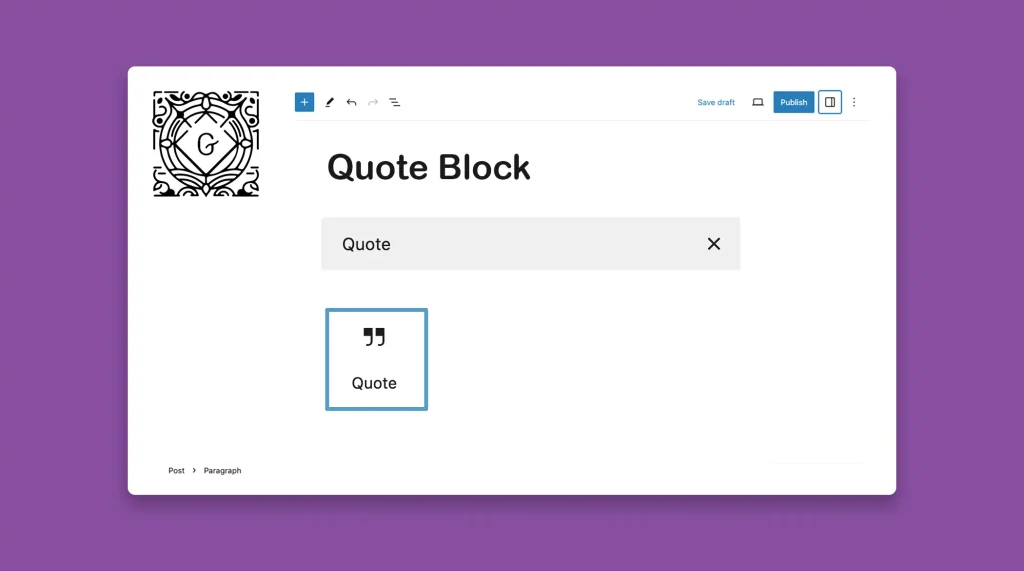
The Quote Block lets you highlight and emphasize specific text within your posts or pages. It effectively showcases important quotes, testimonials, or key points to raise reading interest and draw attention to specific information. If you want to display statistical information or life-changing verses of great people, the Quote Block could be a great way […]
How to Use the WordPress Preformatted Block

The WordPress Preformatted Block preserves the spacing and line breaks you use while writing any text. Usually, the first letter of the first word of any new sentence is automatically capitalized. Plus, writing text with line breaks often becomes impossible. The WordPress Preformatted Block can help you overcome all these limitations. This block will preserve […]
How to Create a Table Using the WordPress Table Block in Posts and Pages

WordPress Table Block is one of the most useful blocks by which you can multifunctional tables within your blog posts and pages. It provides a user-friendly interface to present data, compare information, and organize content in a well-structured way. I will show you how to create a table in your web posts and pages using […]
How to Use the Verse Block in WordPress

Using the WordPress Verse Block, you can showcase poetry, song lyrics, or any other text requiring special formatting. By utilizing the Verse Block, you can create beautifully formatted verses with line breaks, indentation, and even custom styling. Whether you’re a poet sharing your work, a songwriter presenting lyrics, or simply adding a touch of creativity […]
How to Use the WordPress Classic Block on Gutenberg Editor

WordPress has a Classic block that allows users to add content to the Gutenberg editor using the classic editor format. This block is designed to replicate the functionality of the old classic editor within the Gutenberg editor. It provides a familiar interface with formatting buttons similar to Microsoft Word. The Classic block is particularly useful […]
How to Add an Image to WordPress Using the Gutenberg Image Block

The WordPress Image Block lets you add images to your WordPress posts or pages. With the Block, you can easily upload images from your computer, select images from your media library, or even from external URLs. The Image Block also allows you to resize the image by dragging its handles or entering specific dimensions. You […]
How to Create a Photo Gallery in WordPress Using the Gallery Block

The WordPress Gallery Block helps you display multiple images collectively in a single location on your post or page, customizing the layout and appearance of the gallery. Users can scroll or click on particular images to see them separately. The Gallery block could be a wonderful option for eCommerce websites. It will enable you to […]
How to Use the Cover Block in WordPress

The WordPress Cover Block allows you to add a background on which you can add different types of content, like texts, images, CTA buttons, etc. The cover block is best suited for creating captivating headers, hero sections, and feature images. In this article, I will show you how to use the cover block in WordPress […]
How to Use the WordPress Media and Text Block

The WordPress Media & Text Block allows you to combine media elements and text within the same block. You can showcase media files (images, videos, GIFs, etc.) alongside accompanying text. In this article, I will show you how to use WordPress Media and text block the right way. Get started without further delay. Step 01: […]