
How to Add and Use the Gutenberg Date Block in WordPress

Are you looking for a way to display the post and page publishing day on that respective post and page via the Gutenberg editor? You can also do it by typing it manually if you want. However, WordPress also has its own date block. You can easily add it to the editor to display the […]
How to Use the Gutenberg Inline Image Feature in WordPress

Visual content and images have the power to convey emotions, express narratives, and engage visitors, which isn’t always possible with plain texts. By strategically placing images within your content, you can break up texts, emphasize important points, and guide readers’ attention to key elements. Throughout this tutorial, I will cover everything you need to know […]
How to Use the Duotone Filter in WordPress

The WordPress Duotone Filter allows you to apply a Duotone effect to images in WordPress. Let’s explore how to use the Gutenberg Duotone filter in WordPress.
How to Add and Use the WordPress Next Post Block in Gutenberg

After opening any image file on a mobile or desktop device, you can explore the previous and next image files serially by using the Next and Previous options. By using the WordPress next post block, you can serially explore all the next posts after entering any specific post. That’s why you no longer have to […]
How to Use the Gutenberg Tags Block in WordPress
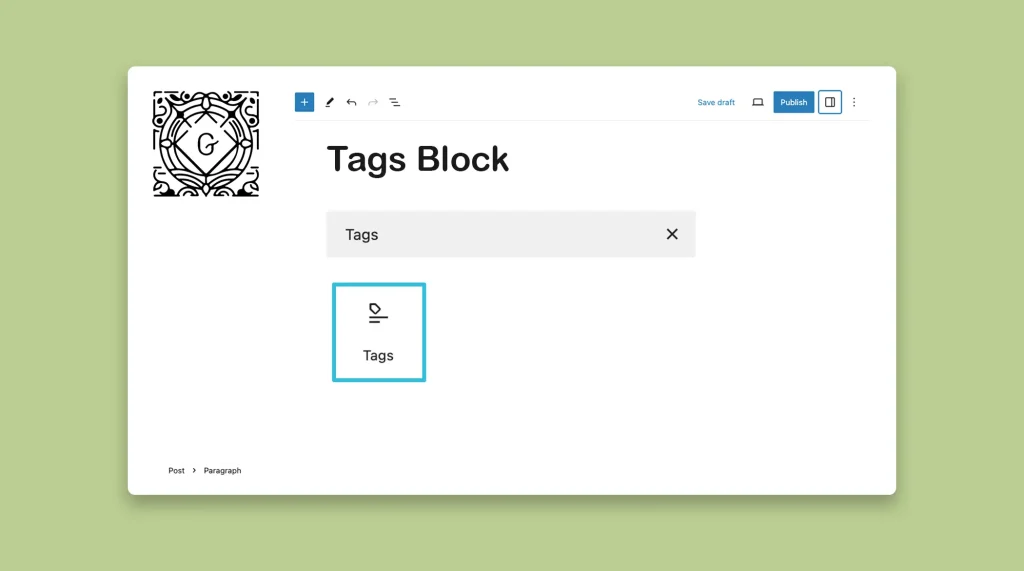
Tags are a type of taxonomy in WordPress by which you can categorize and organize blog posts. This one is a default Gutenberg block, and the process of using it is very similar to the Gutenberg Categories block. WordPress provides the Gutenberg Tags block. It allows you to display the tags assigned to a blog […]
How to Use the WordPress Modified Date Block on Gutenberg

As a content marketer, you may need to update your blog posts, articles, and tutorials frequently. Whenever there is a new update or software release, it is essential to modify the blog post to familiarize the users with the new features or bulletins. But if it is seen that the publishing date of your blog […]
How to Add Superscript in WordPress Posts and Pages

Superscript is almost similar to the WordPress subscript feature. This one also displays texts and characters in slightly smaller sizes than the other texts on the post and page editor. Superscript is useful for writing mathematical equations, notations, special messages, etc., within or below the content body. Let’s take a look at how to add […]
How to Use the WordPress Read More Block

The WordPress Read More block is one of the simplest blocks in the default block library of the WordPress eco-system. It allows you to add additional information under the main description. As this is a simple block, understanding how to use the WordPress, Read More block will take you only a few minutes. Let’s see […]
How to Use the Gutenberg Wolfram Block in WordPress

The Wolfram Cloud is a powerful platform that integrates computation, knowledge, and deployment capabilities. It is built upon the extensive knowledge base and computational methods developed by Wolfram. It provides users with access to the Wolfram Language, which is a revolutionary knowledge-based programming language that emphasizes symbolic computation, functional programming, and rule-based programming. Today, you […]
How to Add and Use the WordPress Next and Previous Post Blocks
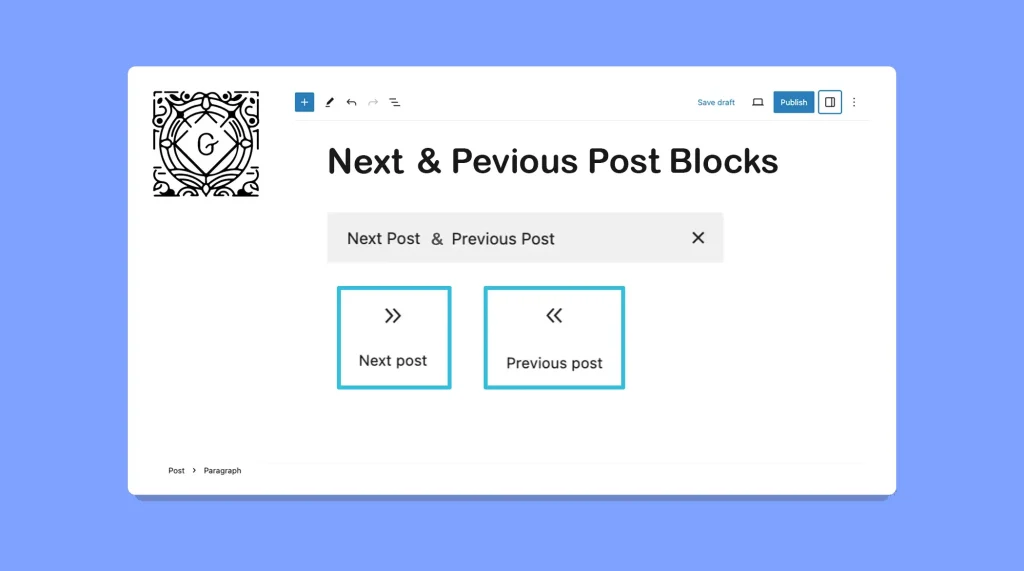
The Next and Previous Post blocks in WordPress can provide a seamless way for your visitors to navigate through your content. This can make it easier for them to explore the following and previous articles to continue their reading journey. I have already covered two separate posts on how to use the WordPress Next Post […]