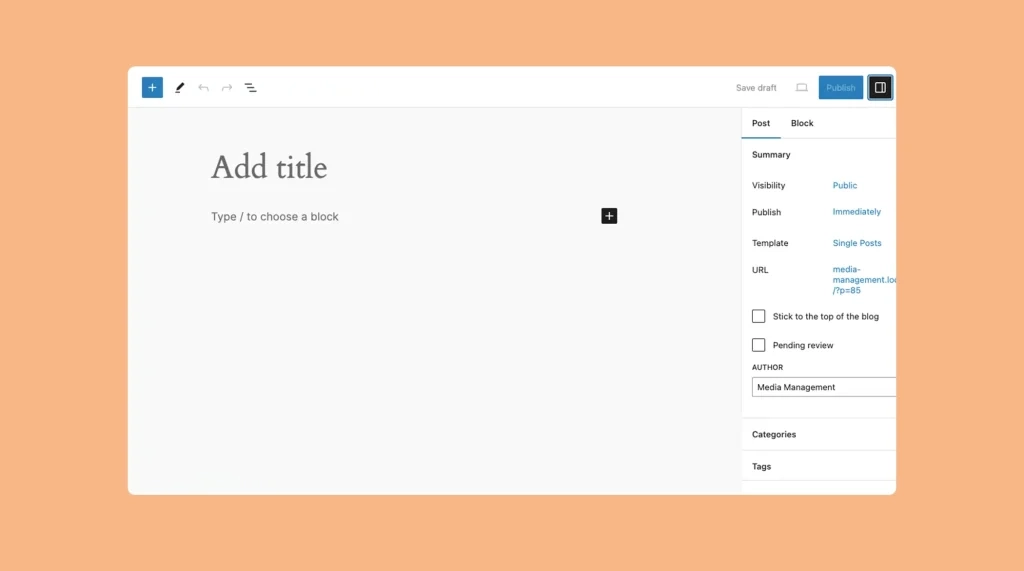
What is Gutenberg Block Editor? Things You Can Do With It
WordPress introduced the Gutenberg block editor in its version 5.0 as an alternative to the classic editor. Although not many

WordPress introduced the Gutenberg block editor in its version 5.0 as an alternative to the classic editor. Although not many
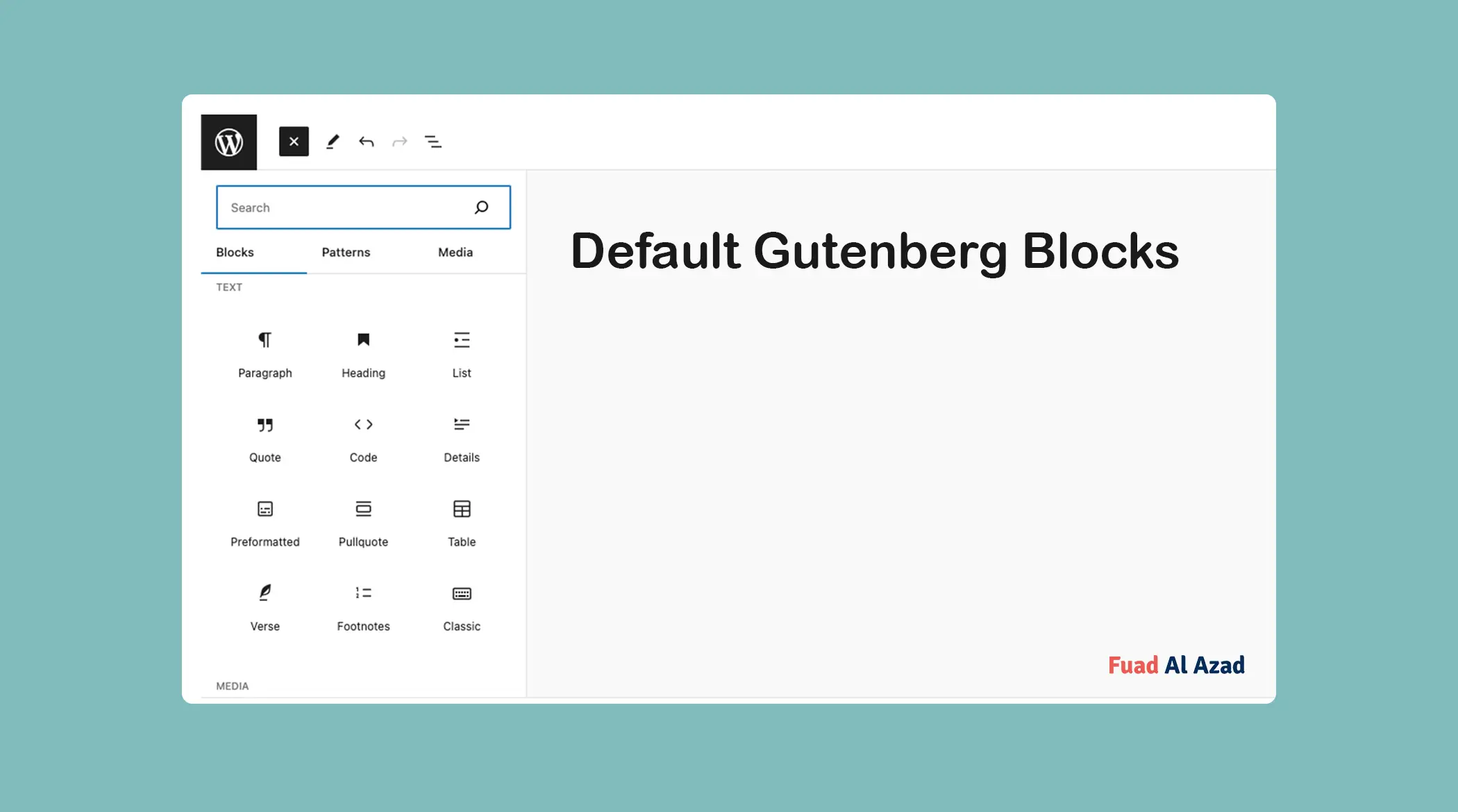
Gutenberg blocks are readymade, well-framed, or pre-designed content elements that help you add and arrange various types of content on
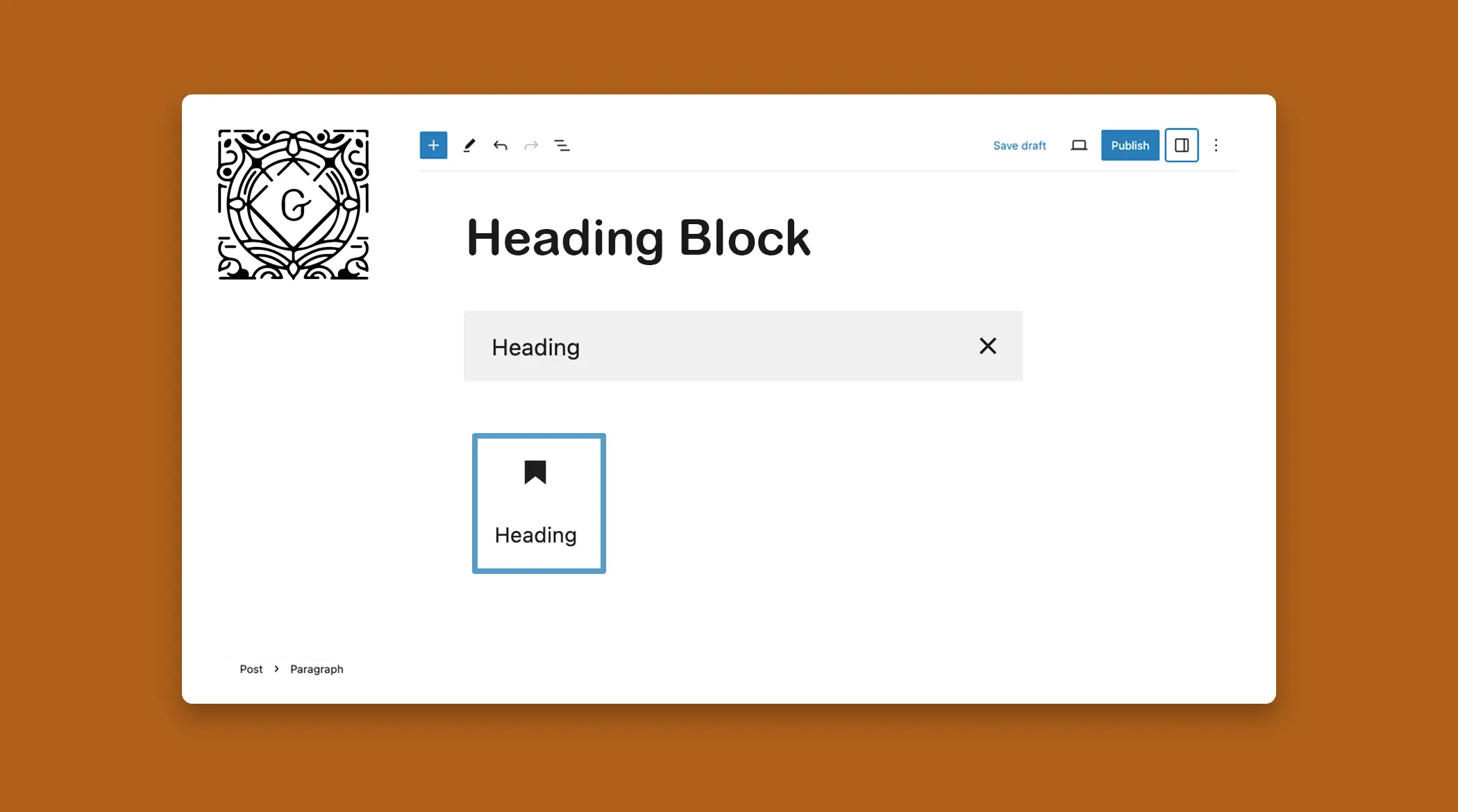
The Heading Block allows you to create a visual hierarchy of your content on WordPress posts and pages. By default,
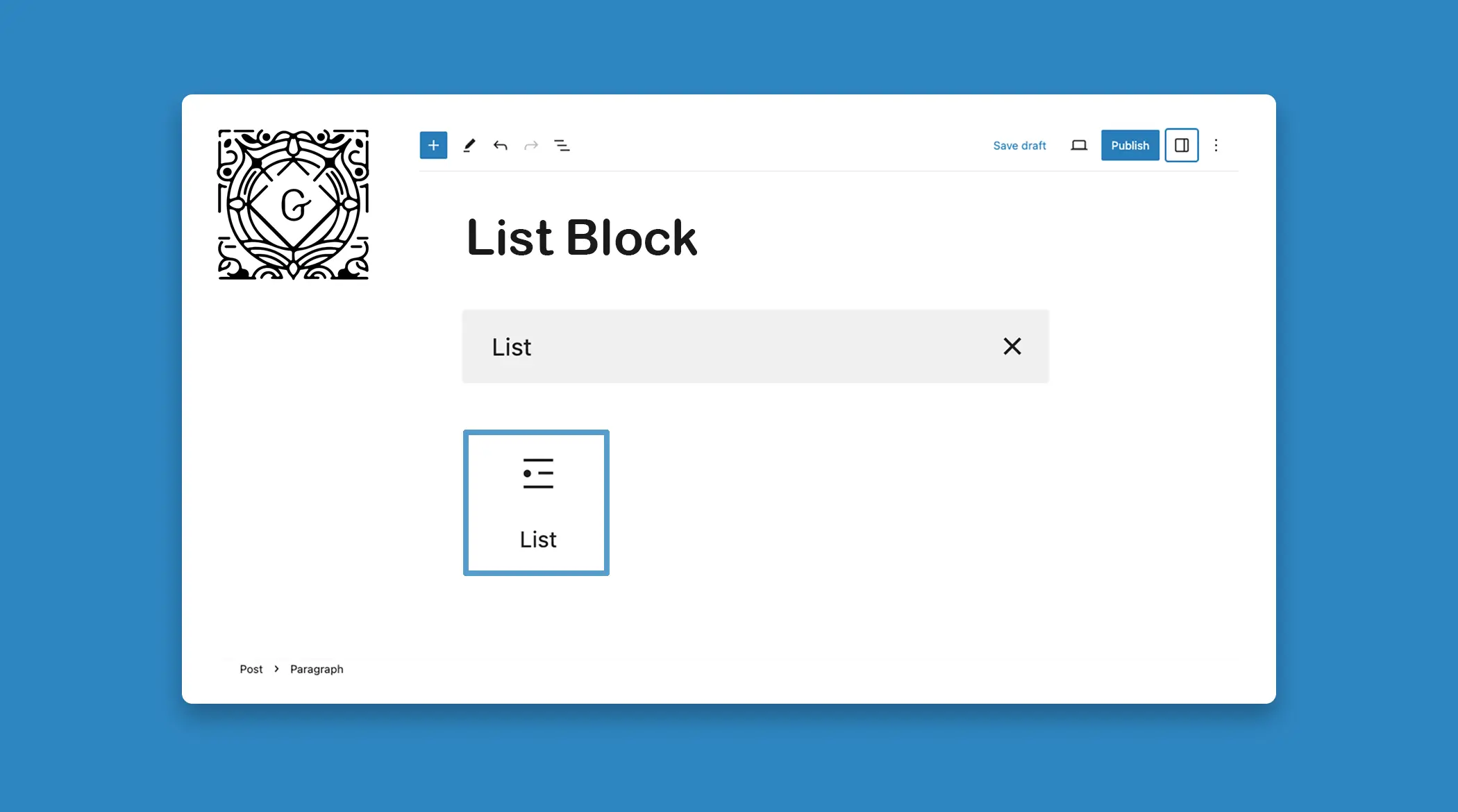
Lists are an essential element of content organization and readability. They help break down information into digestible chunks, making it
The Code Block allows you to add formatted code snippets to your WordPress posts or pages. It’s useful for developers,
The Quote Block lets you highlight and emphasize specific text within your posts or pages. It effectively showcases important quotes,
The WordPress Preformatted Block preserves the spacing and line breaks you use while writing any text. Usually, the first letter

WordPress Table Block is one of the most useful blocks by which you can multifunctional tables within your blog posts

Using the WordPress Verse Block, you can showcase poetry, song lyrics, or any other text requiring special formatting. By utilizing

WordPress has a Classic block that allows users to add content to the Gutenberg editor using the classic editor format.