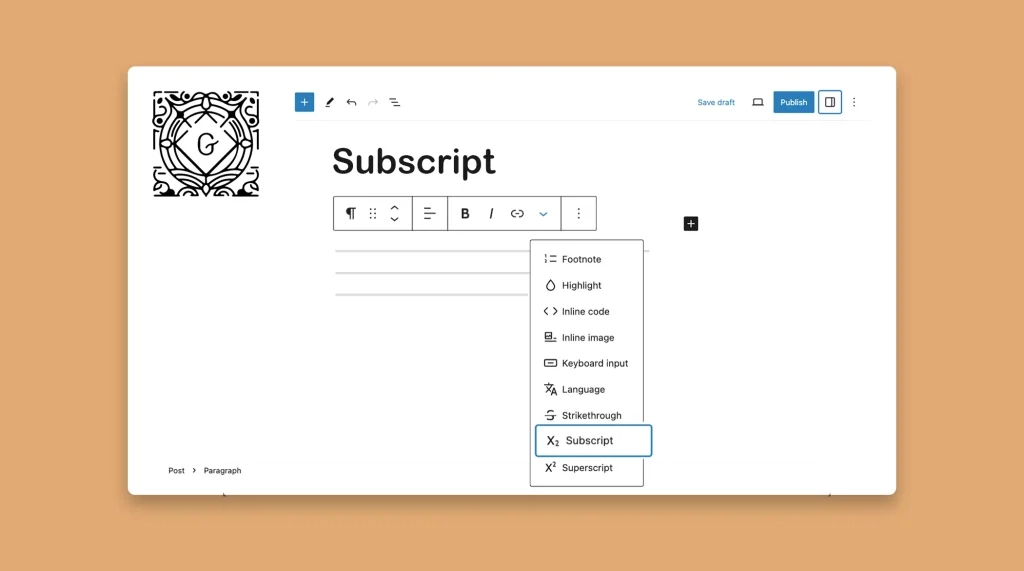
How to Use Subscript in WordPress Posts and Pages
Subscript is a WordPress typographical feature. It helps you stand out a certain part of your textual content by making

Subscript is a WordPress typographical feature. It helps you stand out a certain part of your textual content by making
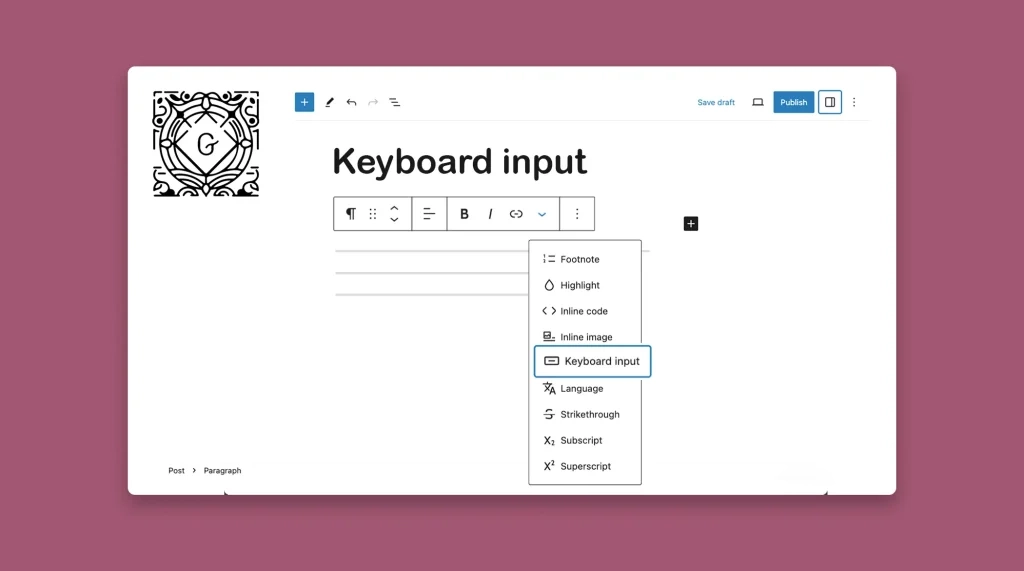
The Gutenberg Keyboard Input feature in WordPress allows you to write the keyboard shortcuts (like Cmd + J, Cmd + L, Ctrl + M, etc.) with an eye-catchy stylization for users. Learn how to use the Gutenberg Keyboard Input feature in WordPress.
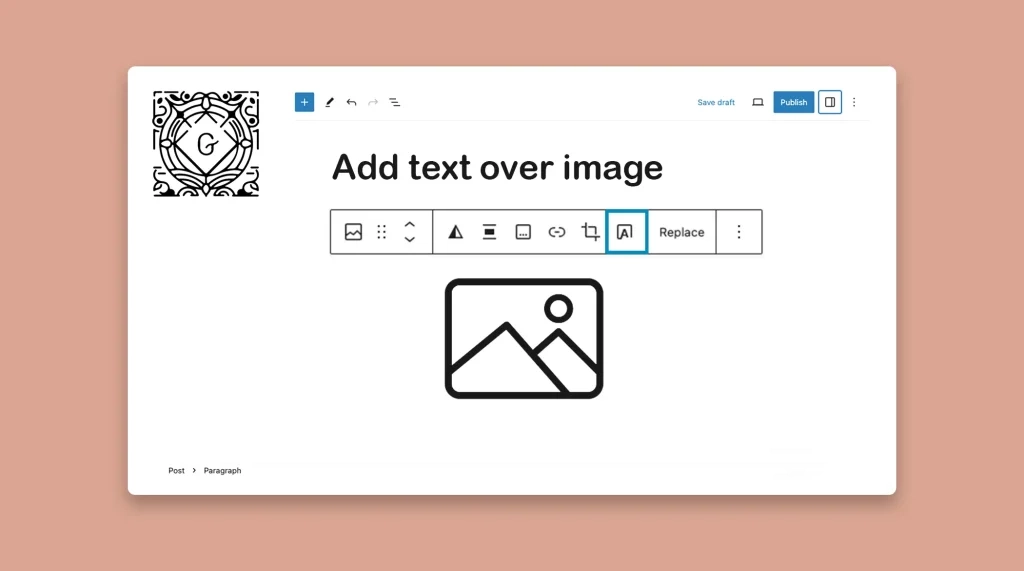
Content with compelling visuals is considered the king that can reign the digital space. Because not only can they captivate
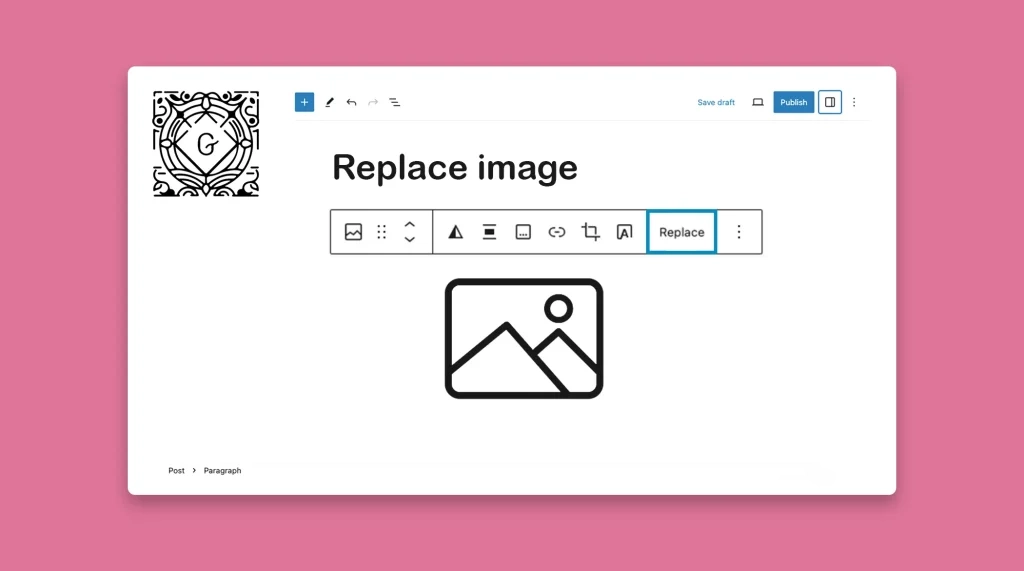
Replacing an image in WordPress refers to swapping out an existing image with a new one without affecting the other
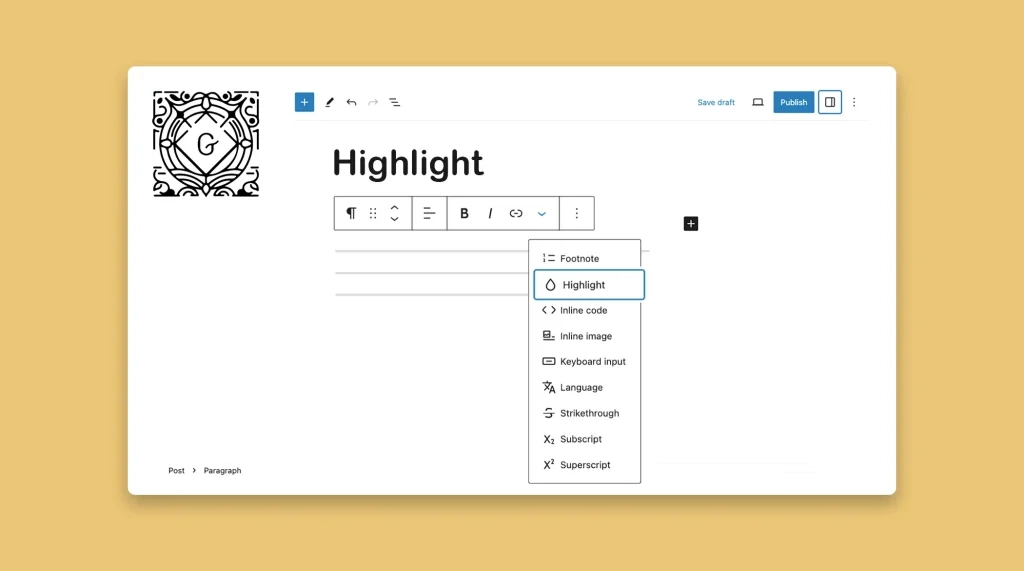
By strategically highlighting the key points, important information, words, phrases, and sentences, you can grab readers’ attention and make part
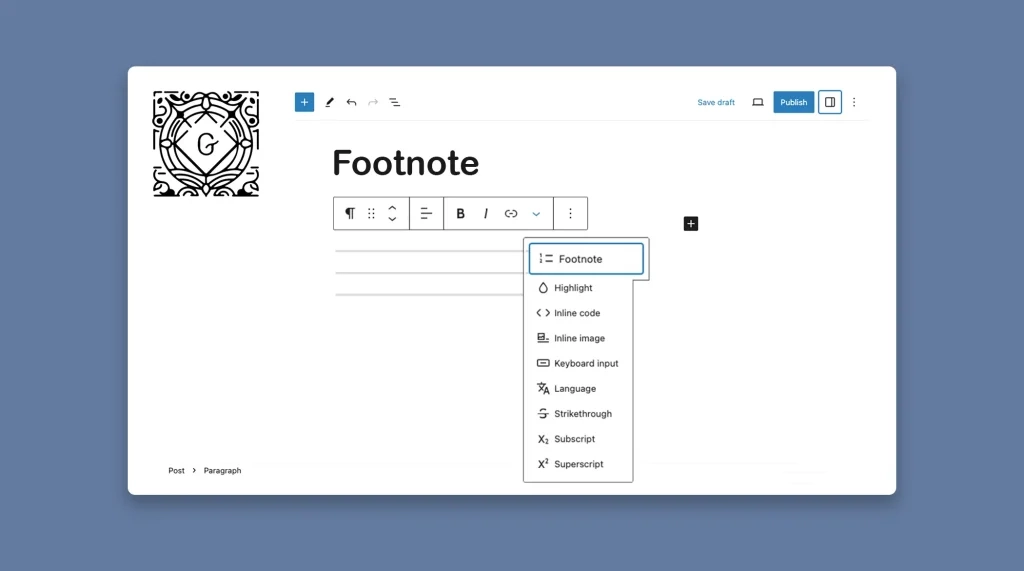
A footnote is a small note placed at the bottom of a page or at the end of an article
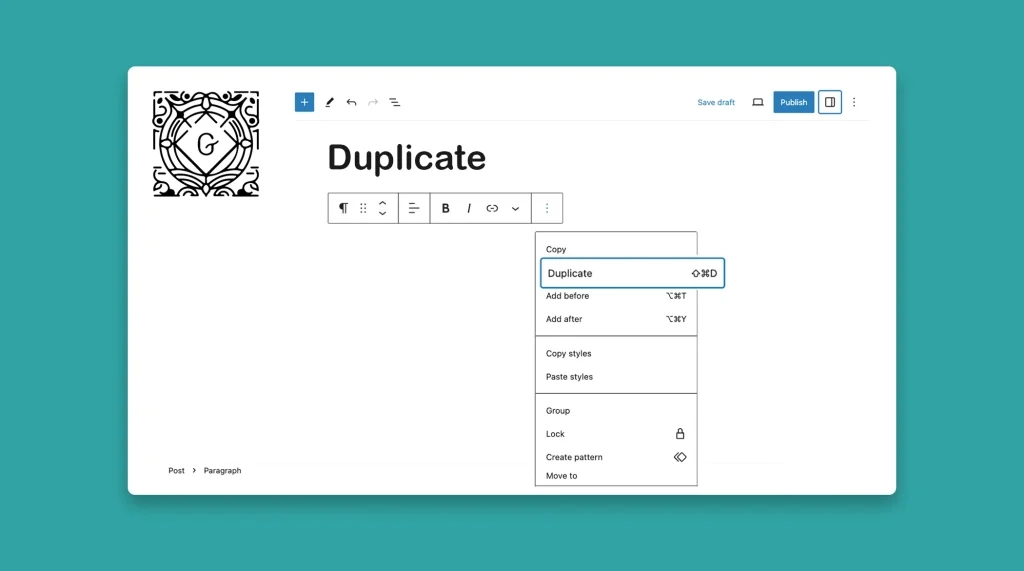
The Gutenberg toolbar has a duplicate option. It allows you to copy your existing content within your website, whether individual
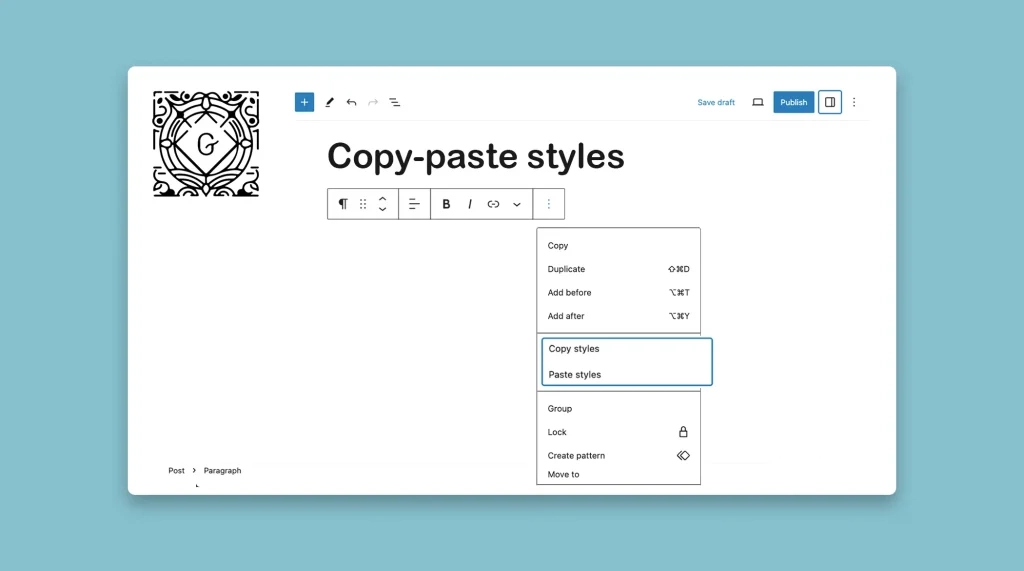
The Gutenberg block editor comes with a default style copy-pasting option. It allows you to copy the visual attributes of
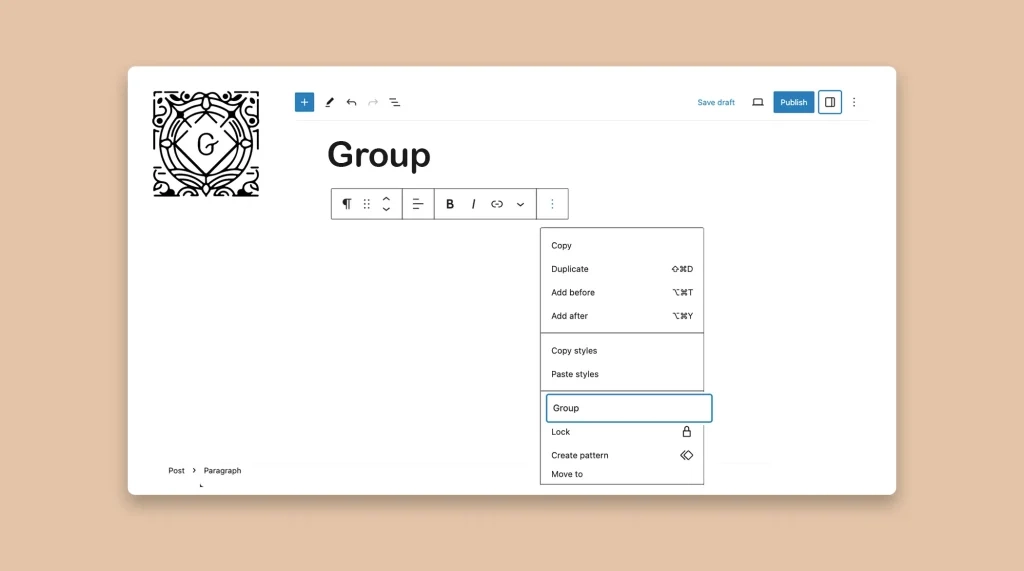
When your website starts growing, managing and structuring content becomes increasingly difficult. Although WordPress offers a versatile block editor that
Gutenberg block plugins have revolutionized the way WordPress creates content. They enhance the capabilities of the default Gutenberg block editor