
How to Add WordPress Spacing Between Blocks (2 Methods)

Are you looking to optimize the layout of your posts and pages in WordPress? One effective aspect of doing this is by adding spaces between blocks. Sometimes adding spaces between the heavy graphic content and text elements is a must to increase the site’s readability. There are two ways you can add spacing between blocks: […]
How to Use the Post Title Block on WordPress

Whenever you open a post or page in WordPress, you automatically get an option to add a title on top of it for the content. Most users think they cannot add a title more than once in a post because they don’t know about the Gutenberg Title block. With the Post Title block, you can […]
Kadence Blocks Review: A Robust Analysis
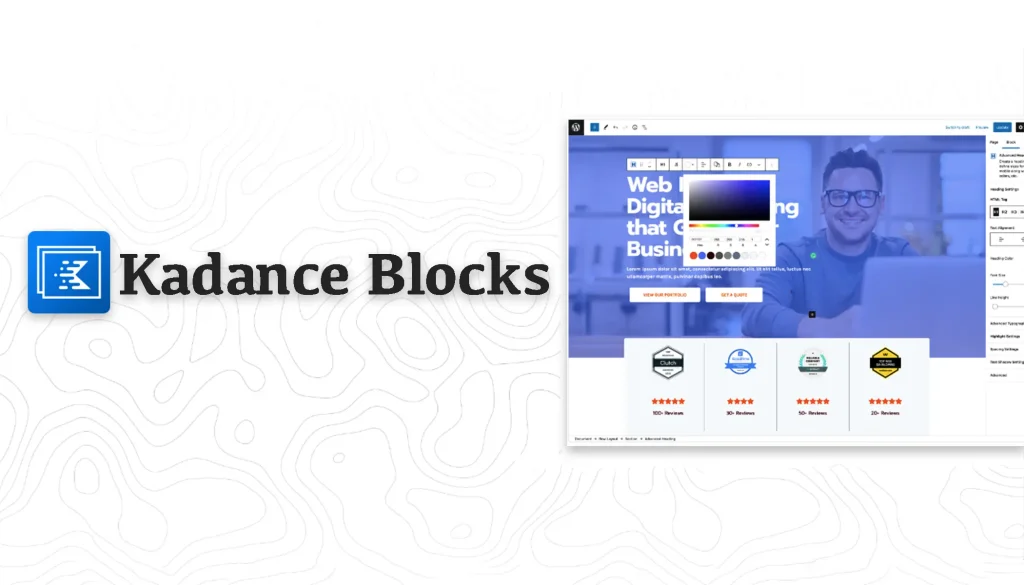
The Gutenberg block editor has revolutionized WordPress. It has empowered users to easily create visually stunning and dynamic content without depending on traditional page builders. But the default WordPress block editor has many limitations. You cannot enjoy advanced features and stylizations with the default block editor. Plus, its block library lacks many essential blocks required […]
Otter Blocks Plugin Review: A Thorough Analysis

The default Gutenberg block editor isn’t enough to actualize complex web design as it lacks numerous advanced features. This is why many users today look for custom block plugins to overcome the limitations of the default editor. Otter Blocks is such a custom block plugin that has gotten remarkable attention in recent years. In this […]
How to Use the WordPress Page List Block to Display Web Pages

The WordPress Page List block allows you to display all the published pages on your website in a listical format. As a result, visitors can easily have an idea of the total number of pages published and explore the one they want. If you have a blog, shop, or portfolio site with lots of pages, […]
How to Use the Gutenberg Author Block in WordPress

By adding the Gutenberg Author block to your posts, you can display the author’s valuable information, which can add credibility to your content. Readers are more likely to trust content when they know who wrote it. It humanizes the content and establishes a personal connection with the audience. By properly using the block, you can […]
How to Use the WordPress Crop Image Feature (Two Methods)

Image cropping is the process of removing unwanted parts of an image to fit a particular aspect ratio. Learn how to crop an image in WordPress.
How to Use the Gutenberg Calendar Block in WordPress

The Gutenberg editor in WordPress includes a Calendar block. It allows you to display your posts in the calendar format. When you publish a new post, it is automatically added to the calendar on the publishing day. Once you click the date, it will take you to the posts published on the date. In this […]
How to Use the WordPress Details Block

The Details Block in WordPress helps you to keep a certain part of your content hidden under a parent block with a text summary. Users can explore the hidden text by clicking the summary text or button. This block is highly useful to cover lots of content in a small space. Plus, if you want […]