
WordPress Gutenberg vs Page Builder: Key Differences
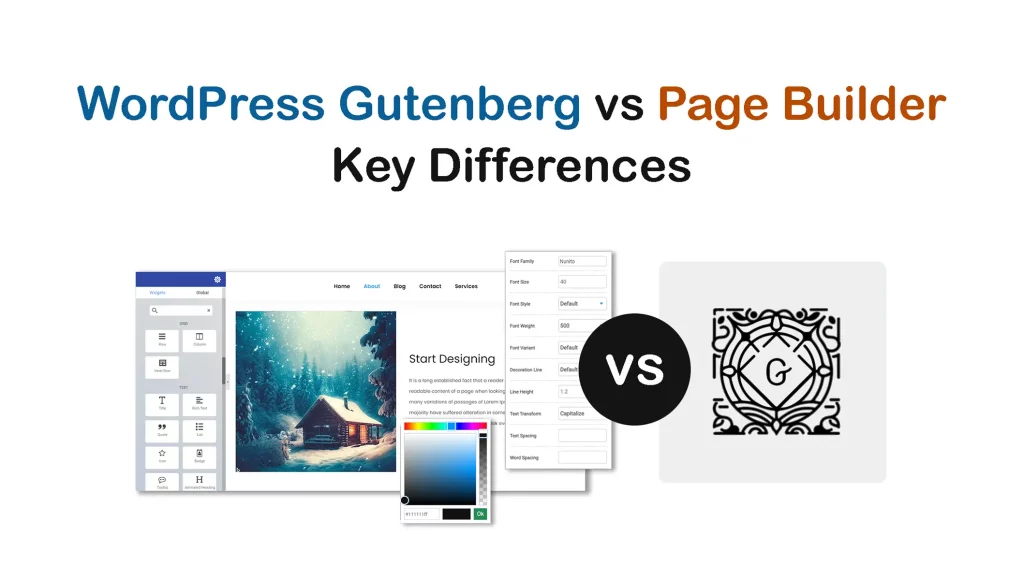
Gutenberg and Page Builders are two convenient WordPress tools that have eased the process of web designing. These tools provide users with advanced editing capabilities and a more user-friendly approach to designing web pages without a single line of coding. No-code users today don’t have to rely much on professional designers for website design. They […]
How to Use the Gutenberg Toolbar in WordPress
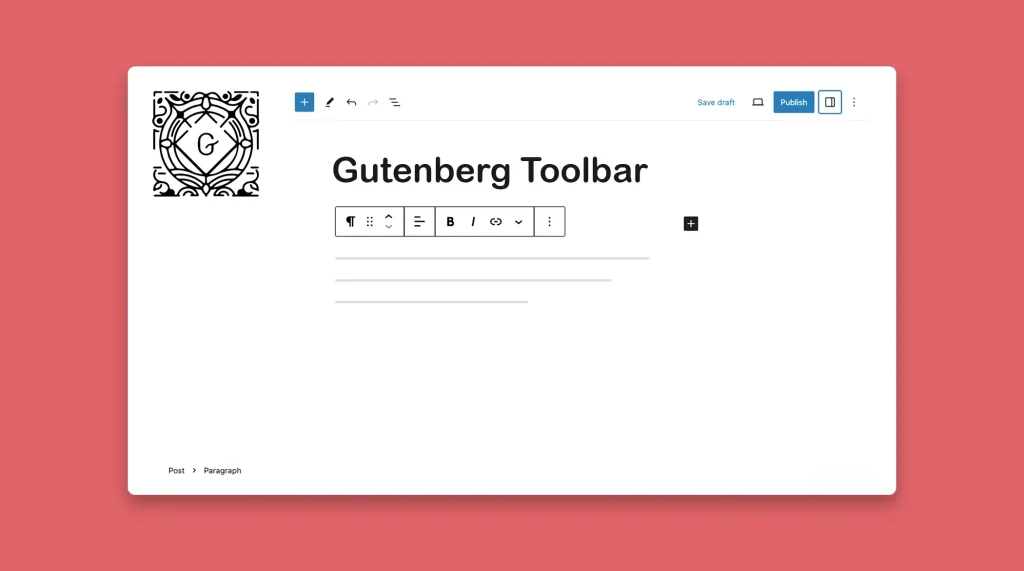
Gutenberg was first in WordPress 5.0. It came up with many additional options, offering intuitive and flexible ways for content creation. Gutenberg Toolbar is one of those additional options. What is the Gutenberg Toolbar? Gutenberg Toolbar includes a comprehensive collection of editing tools and options that appear at the top of the Gutenberg editor interface. […]
How to Use Subscript in WordPress Posts and Pages (Tutorial Guide)
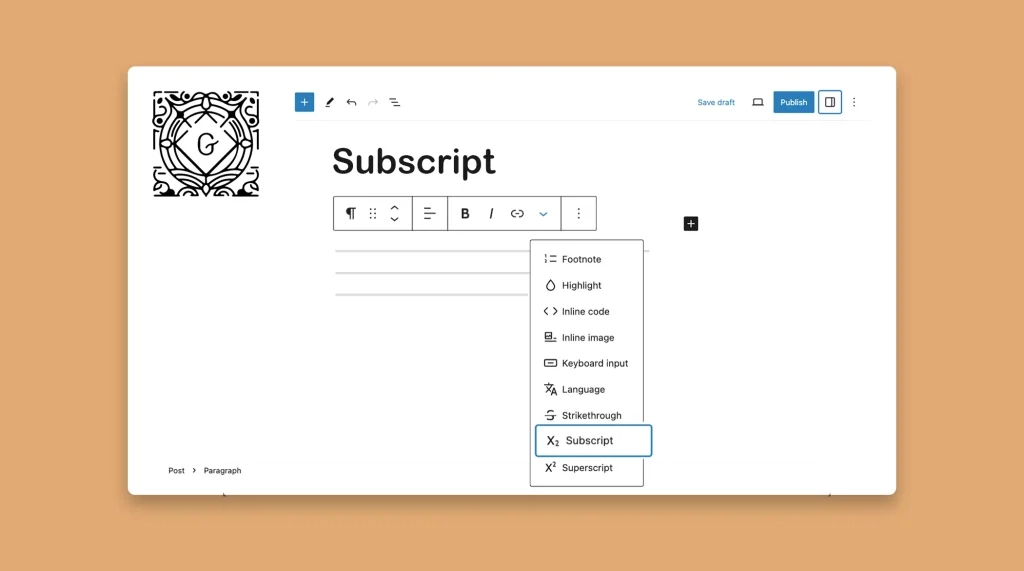
Subscript is a WordPress typographical feature. It helps you stand out a certain part of your textual content by making it appear slightly different from the normal text. This subtle formatting can be effective in conveying specific information, scientific notations, mathematical equations, etc. WordPress has another feature that is almost similar, known as Superscript. Most […]
How to Use the Gutenberg Keyboard Input Feature in WordPress (Tutorial)
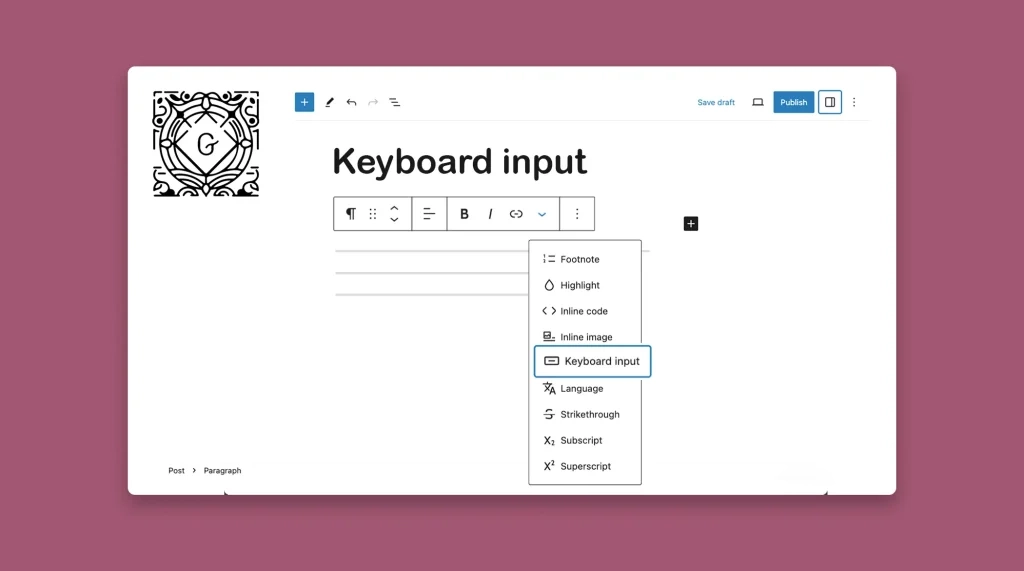
The Gutenberg Keyboard Input feature in WordPress allows you to write the keyboard shortcuts (like Cmd + J, Cmd + L, Ctrl + M, etc.) with an eye-catchy stylization for users. Learn how to use the Gutenberg Keyboard Input feature in WordPress.
How to Add Text Over Image in WordPress
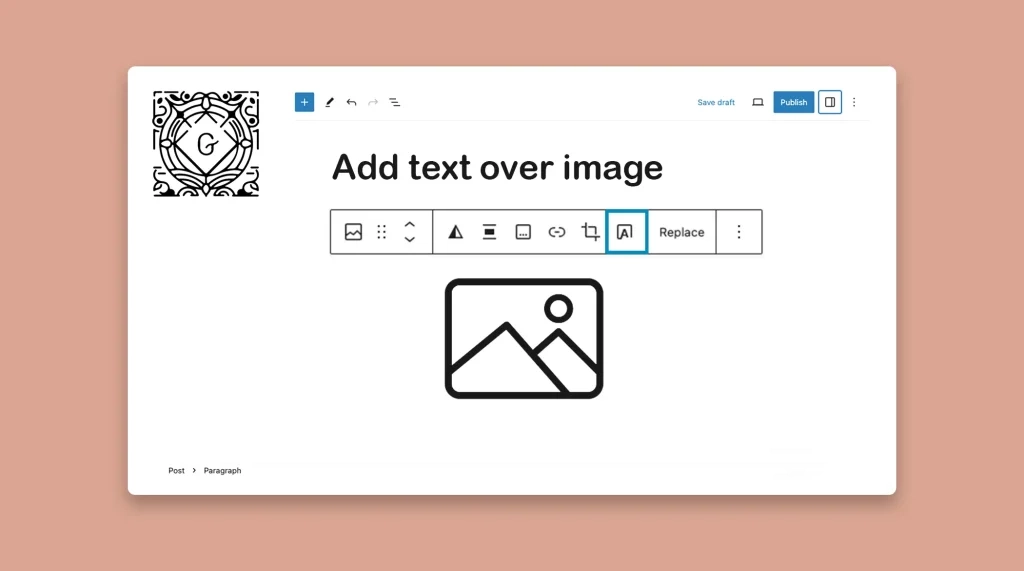
Content with compelling visuals is considered the king that can reign the digital space. Because not only can they captivate visitors and users, but also make your messages easy to understand. One effective way to accompany textual content with visuals is by adding text over images. By strategically placing text over your images, you can […]
How to Replace an Image in WordPress in All Posts and Pages (Tutorial Guide)
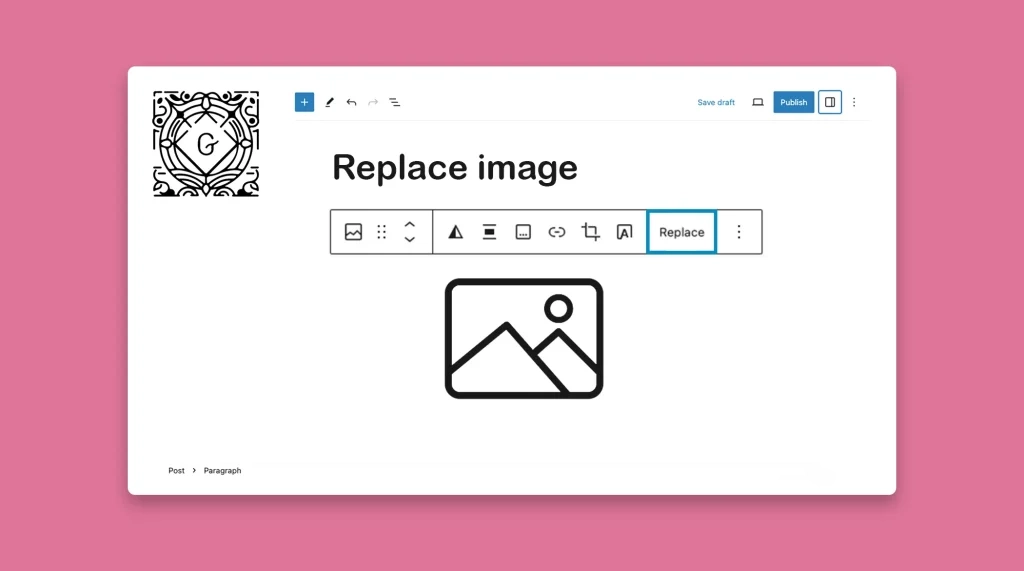
Replacing an image in WordPress refers to swapping out an existing image with a new one without affecting the other content on the posts and pages. Updating blog posts and pages is a common task for any website owner. Over time, some content and images naturally get outdated, which we have to update with the […]
How to Highlight Text in WordPress
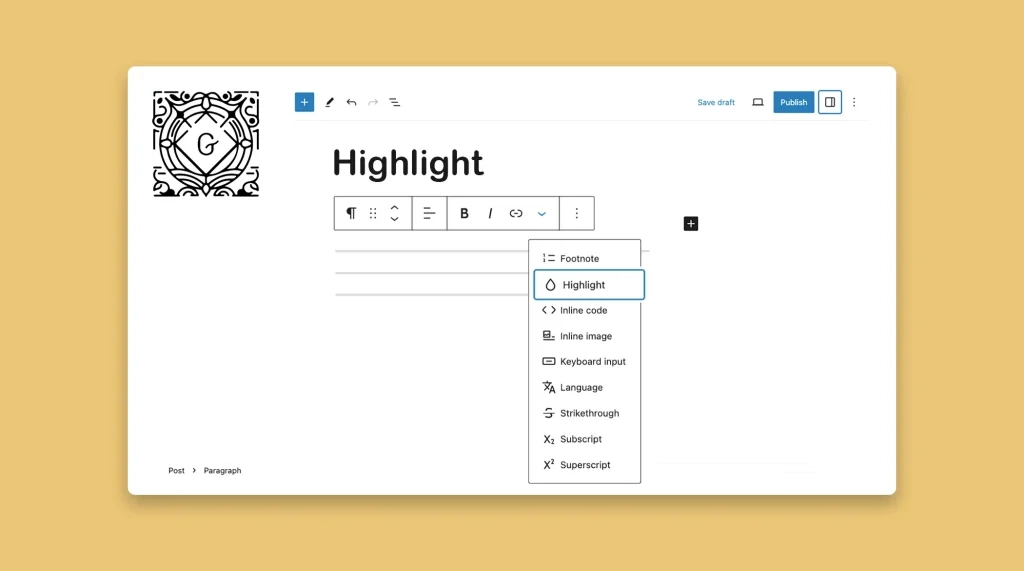
By strategically highlighting the key points, important information, words, phrases, and sentences, you can grab readers’ attention and make part of your content more memorable. Whether you are a blogger, eCommerce owner, or affiliate marketer, you may often have to highlight some text on your website for various use cases. WordPress provides an intuitive feature […]
How to Add Footnotes in WordPress Posts and Pages
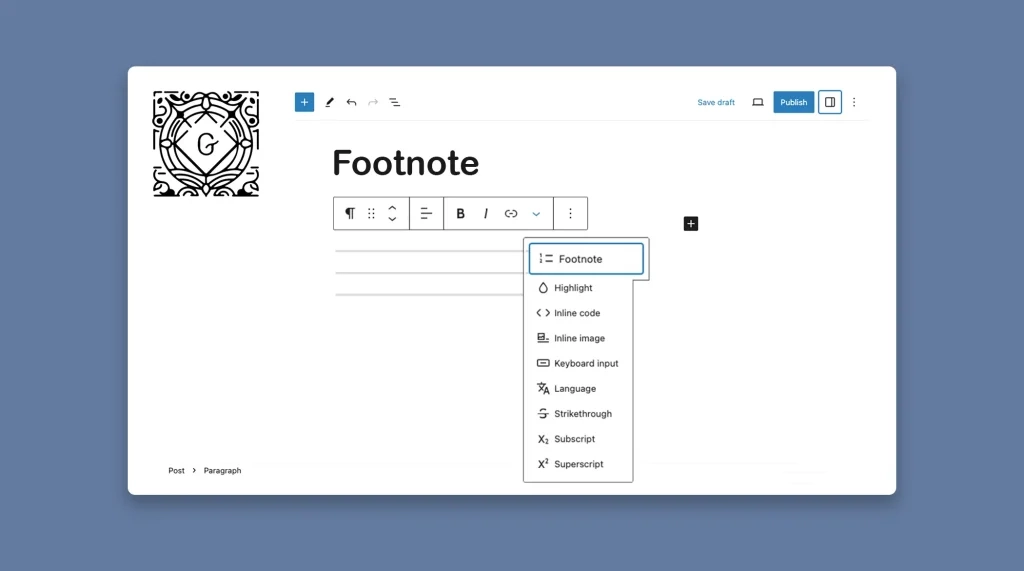
A footnote is a small note placed at the bottom of a page or at the end of an article or blog post. It serves as a reference point, allowing readers to explore the sources, references, and further details related to the content they are reading. Footnotes also serve as explanatory notes without breaking the […]
How to Duplicate a Block or Content in WordPress
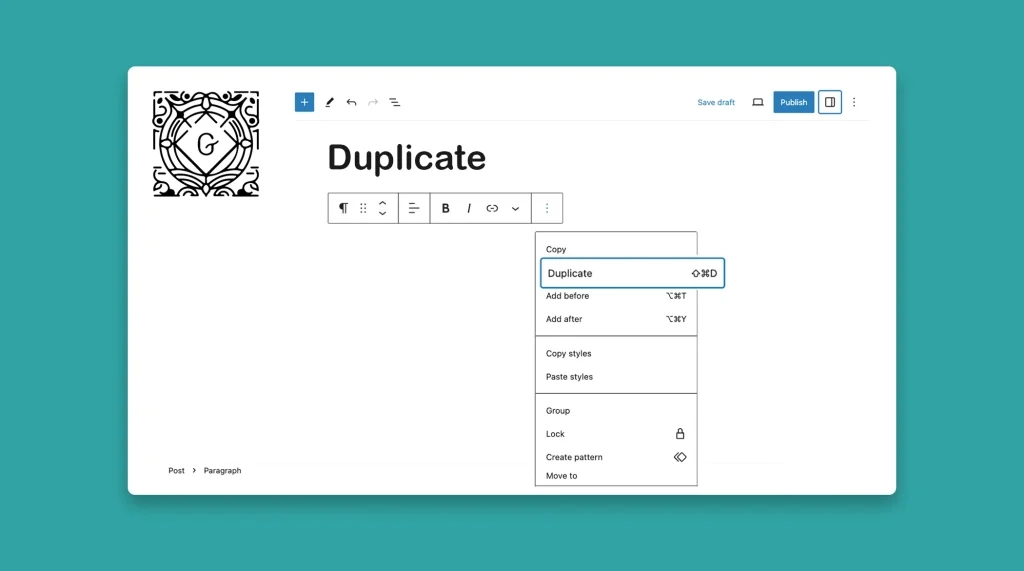
The Gutenberg toolbar has a duplicate option. It allows you to copy your existing content within your website, whether individual blocks or entire sections. This powerful feature lets you replicate and reuse the existing components again and again without having to start everything from scratch. This article will show you how to duplicate a block […]
How to Copy and Paste Styles in WordPress Gutenberg Editor
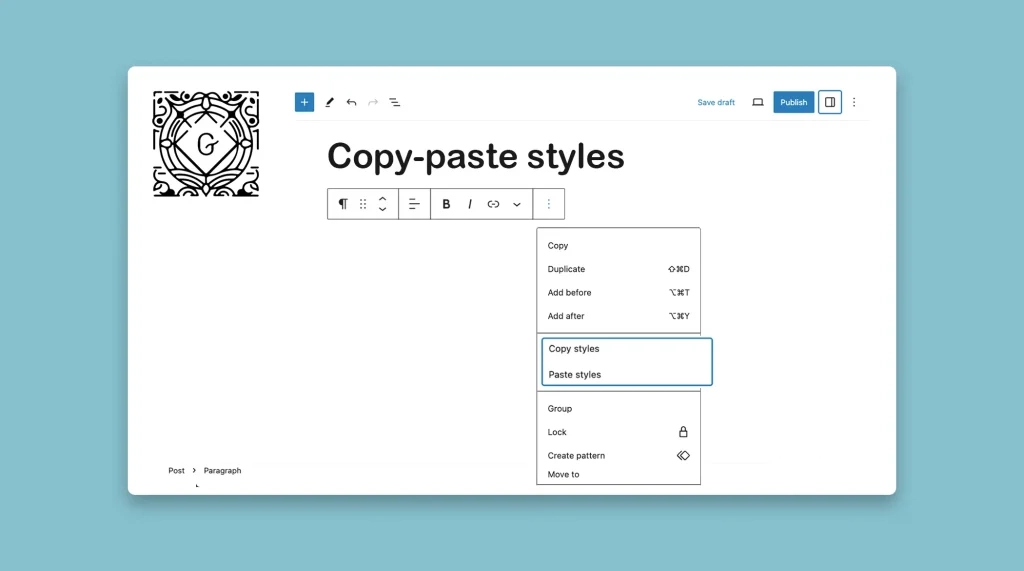
The Gutenberg block editor comes with a default style copy-pasting option. It allows you to copy the visual attributes of any block or element and replicate them on other blocks without having to make manual adjustments every time. This can indeed save you a good deal of time both in the case of web design […]