
How to Use the Gutenberg Archive Block in WordPress

The Archive Block lets you showcase all your published posts in the list or dropdown format on any page/post with the Gutenberg editor. You can organize and display them by when they were published – by day, week, month, or year. If you have an online portal, news portal, or e-magazine that publishes posts on […]
How to Lock and Unlock a Block in WordPress

By locking a block in WordPress, you can prevent accidental changes or modifications. This helps you ensure that its content, styling, and structure remain intact, which adds an extra layer of security, giving you peace of mind. In this post, I will show you how to lock and unlock blocks in WordPress using a step-by-step […]
How to Use Inline Code in WordPress and Best Practices
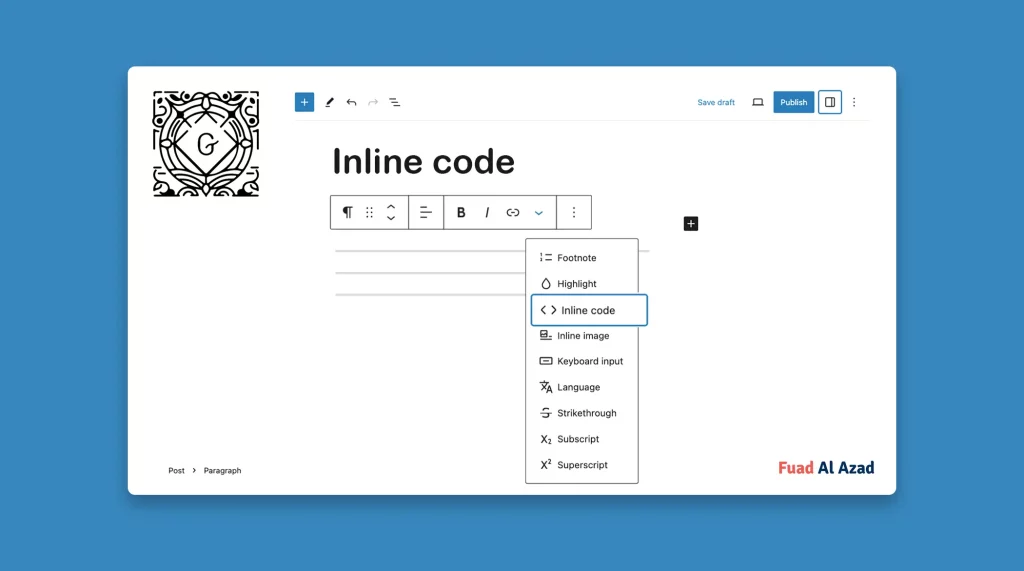
Inline code in WordPress refers to displaying code snippets within your content in a visually distinct manner. Check how to use inline code in WordPress.
How to Use the Alert Block in WordPress

The Alert block allows you to create eye-catching message and notification sections on your website. With its customizable design and versatile functionality, this block can be utilized in various ways to enhance user experience and communicate important information. From highlighting limited-time offers to notifying users about website maintenance or providing urgent updates, the Alert block […]
How to Use the Author Biography Block in WordPress
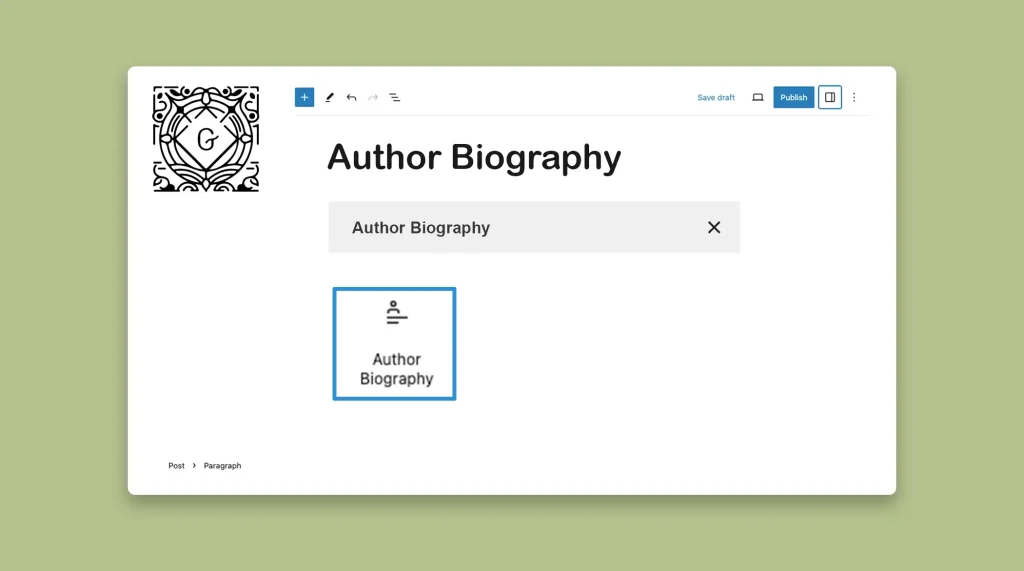
Most users get confused hearing the name of the block. They think the block will allow them to add a description of the author to be used as the Author Bio, but it will not. The block is simply used as the heading or title of the author section, nothing more. So, according to me, […]
How to Use the WordPress Paragraph Block in Gutenberg Editor

The Paragraph is one of the most fundamental blocks in WordPress. It allows us to add text to posts and pages, serving as the main body of the content. Whenever you open a post or page on WordPress, you’ll get the paragraph block first in the editor. Without the Paragraph block, you cannot curate new […]
How to Add Strikethrough in WordPress Posts and Pages
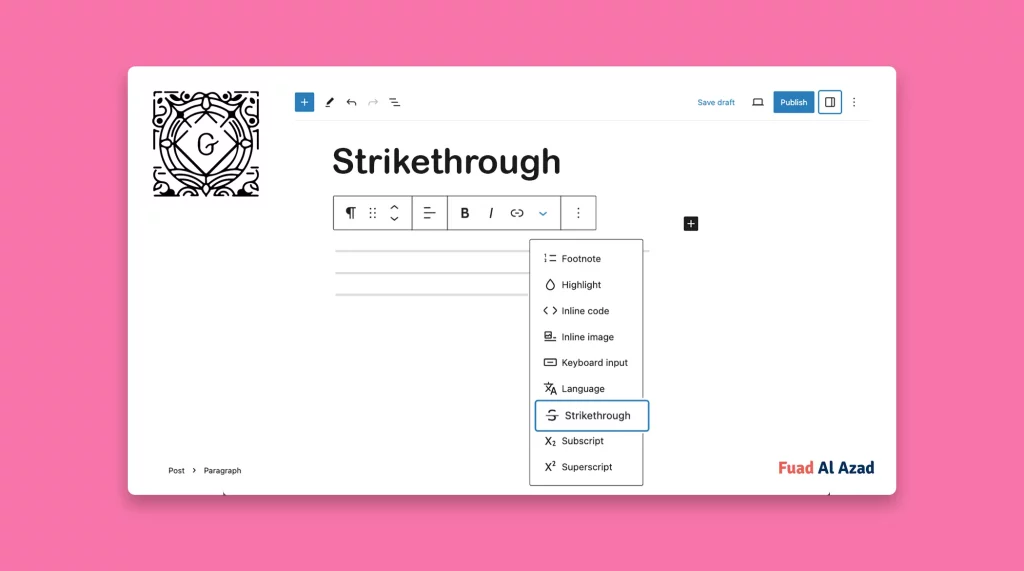
The Strikethrough option is a formatting feature that allows you to apply a horizontal line through the text. Learn how to add Strikethrough in WordPress.
How to Use the Gutenberg Featured Image Block in WordPress

Graphics and visuals are a must for capturing the audience’s attention and enhancing the overall appeal of your content. Without visuals, your content will look boring, no matter how valuable texts and information you add. This is why, the idea of featured images has been so popular. It summarizes the content of an entire blog […]
How to Use the Gutenberg Excerpt Block in WordPress

The Gutenberg Excerpt stands out as a useful block that enables you to create and display summaries and teasers for your posts and pages in WordPress. This block is useful when you cover long posts and articles. Because users can have a quick idea about what they are going to read in the post. Most […]
How to Add WordPress Spacing Between Blocks (2 Methods)

Are you looking to optimize the layout of your posts and pages in WordPress? One effective aspect of doing this is by adding spaces between blocks. Sometimes adding spaces between the heavy graphic content and text elements is a must to increase the site’s readability. There are two ways you can add spacing between blocks: […]