
How to Use the Gutenberg Inline Image Feature in WordPress

Visual content and images have the power to convey emotions, express narratives, and engage visitors, which isn’t always possible with plain texts. By strategically placing images within your content, you can break up texts, emphasize important points, and guide readers’ attention to key elements. Throughout this tutorial, I will cover everything you need to know […]
How to Use the Duotone Filter in WordPress

The WordPress Duotone Filter allows you to apply a Duotone effect to images in WordPress. Let’s explore how to use the Gutenberg Duotone filter in WordPress.
How to Add Superscript in WordPress Posts and Pages

Superscript is almost similar to the WordPress subscript feature. This one also displays texts and characters in slightly smaller sizes than the other texts on the post and page editor. Superscript is useful for writing mathematical equations, notations, special messages, etc., within or below the content body. Let’s take a look at how to add […]
How to Lock and Unlock a Block in WordPress

By locking a block in WordPress, you can prevent accidental changes or modifications. This helps you ensure that its content, styling, and structure remain intact, which adds an extra layer of security, giving you peace of mind. In this post, I will show you how to lock and unlock blocks in WordPress using a step-by-step […]
How to Use Inline Code in WordPress and Best Practices
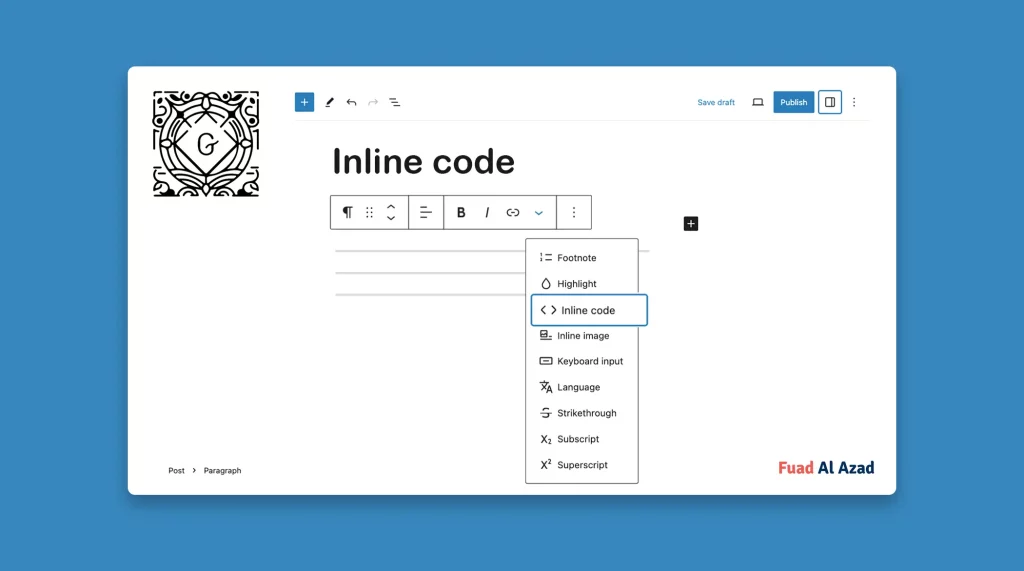
Inline code in WordPress refers to displaying code snippets within your content in a visually distinct manner. Check how to use inline code in WordPress.
How to Add Strikethrough in WordPress Posts and Pages
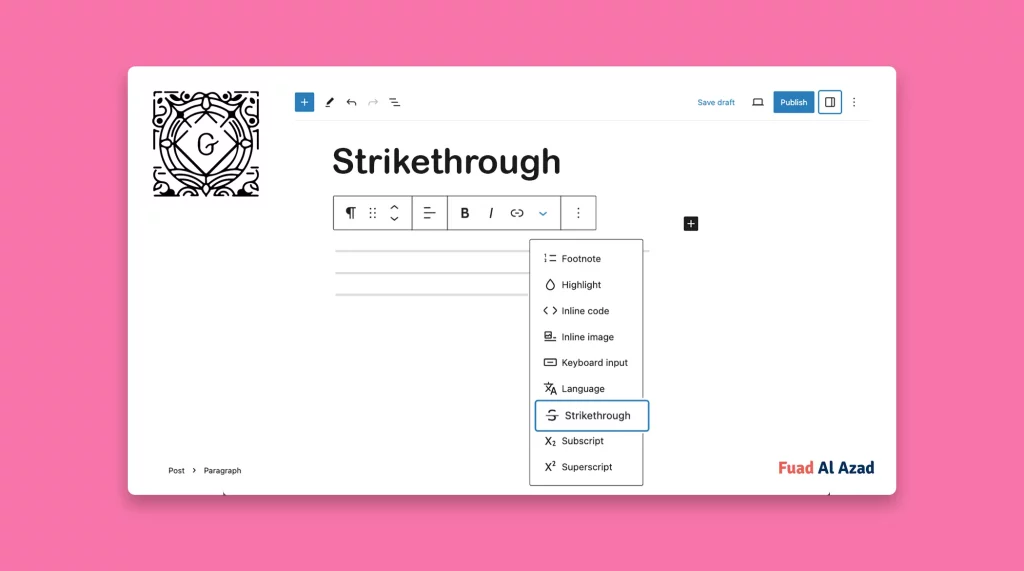
The Strikethrough option is a formatting feature that allows you to apply a horizontal line through the text. Learn how to add Strikethrough in WordPress.