
How to Use the WordPress Accordion Block to Create Collapsible Content

The WordPress Accordion Block allows you to organize and display content in a collapsible format. This block is particularly useful for presenting information in a compact and user-friendly manner, where users can click on a section to expand and view the details. By default, the Accordion Block shows only the headings. As a result, users […]
How to Use the WordPress YouTube Block
The WordPress YouTube block is a free Gutenberg block by which you can embed videos from the YouTube streaming platform into your blog posts and pages. The block is available in both the Gutenberg and Classic editor. In this short article, I will show you how to use the WordPress YouTube Block. Step 01: Find […]
How to Use the WordPress Twitter Block
The WordPress Twitter block is a default WordPress block that allows users to embed content from Twitter into their WordPress posts and pages. By using the Twitter block, users can display individual tweets on their site, including the text, images, and links from the tweet. In this tutorial post, I will show you how to […]
How to Use the WordPress Embed Block

The Gutenberg Embed is one of the most useful blocks in WordPress. It allows you to add and display content from various sources, like videos, images, tweets, audio, and other media, directly into your WordPress posts and pages. As a result, you don’t have to upload that content to your site, which can save you […]
How to Use the Advanced Heading Block in WordPress
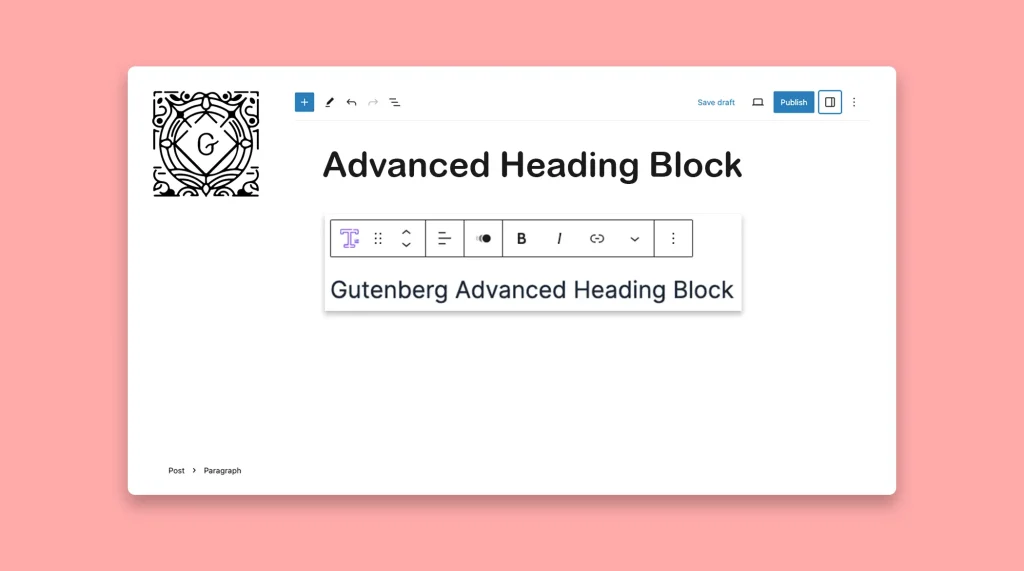
The Advanced Heading block is a powerful custom Gutenberg block that allows you to create eye-catching and engaging headings for your content. It gives you complete control over the styling, formatting, and design of your headings. You can choose from a wide range of fonts, adjust the letter spacing, change the color, add background effects, […]
How to Use the Gutenberg Archive Block in WordPress

The Archive Block lets you showcase all your published posts in the list or dropdown format on any page/post with the Gutenberg editor. You can organize and display them by when they were published – by day, week, month, or year. If you have an online portal, news portal, or e-magazine that publishes posts on […]
How to Use the Alert Block in WordPress

The Alert block allows you to create eye-catching message and notification sections on your website. With its customizable design and versatile functionality, this block can be utilized in various ways to enhance user experience and communicate important information. From highlighting limited-time offers to notifying users about website maintenance or providing urgent updates, the Alert block […]
How to Use the WordPress Paragraph Block in Gutenberg Editor

The Paragraph is one of the most fundamental blocks in WordPress. It allows us to add text to posts and pages, serving as the main body of the content. Whenever you open a post or page on WordPress, you’ll get the paragraph block first in the editor. Without the Paragraph block, you cannot curate new […]
How to Use the Author Biography Block in WordPress
Most users get confused hearing the name of the block. They think the block will allow them to add a description of the author to be used as the Author Bio, but it will not. The block is simply used as the heading or title of the author section, nothing more. So, according to me, […]
How to Use the Gutenberg Featured Image Block in WordPress

Graphics and visuals are a must for capturing the audience’s attention and enhancing the overall appeal of your content. Without visuals, your content will look boring, no matter how valuable texts and information you add. This is why, the idea of featured images has been so popular. It summarizes the content of an entire blog […]